
Key points:
- Enterprise WordPress is defined by operational requirements, including traffic, security, governance, integrations, release workflows, and incident response, not company size alone.
- A scalable architecture combines full-page caching, persistent object caching, CDN delivery, database optimization, search offload, observability, and infrastructure that can handle traffic spikes.
- Total cost extends far beyond the free WordPress license. Enterprise budgets must account for implementation, hosting, engineering, security, maintenance, integrations, migration, and ongoing support.
- WP Engine reduces the operational burden through managed infrastructure, security, performance tooling, support, and enterprise workflows, while the organization continues to own its code, content architecture, integrations, and release decisions.
- ACF provides the content-modeling layer, using custom post types, taxonomies, structured fields, ACF Blocks, and version-controlled Local JSON to give editors structure and developers control.
WordPress® runs 41.5% of all websites, but popularity is not an architectural argument. The real question is whether WordPress® can meet an organization’s requirements for traffic, security, governance, integrations, deployment, and reliable operations.
At enterprise scale, that depends less on the software license than on the systems built around it. Caching, scalable infrastructure, disciplined release workflows, and structured content models all need deliberate ownership.
This guide examines what enterprise WordPress® actually requires, what it realistically costs, how it compares with other enterprise solutions, and when self-hosting remains justified.
What does enterprise WordPress mean?
Enterprise WordPress® is defined by the requirements placed on the system, not the organization’s headcount or revenue. A company does not have an “enterprise” implementation simply because it is large. The term becomes useful when WordPress® must operate as governed, business-critical infrastructure. That typically means supporting some combination of:
- High and unpredictable traffic.
- Multi-brand, multi-region, or multilingual website portfolios.
- Structured content shared across pages, sites, and channels.
- Complex editorial roles, approvals, and publishing controls.
- Corporate identity providers and other internal integrations.
- Formal development, staging, QA, and release workflows.
- Defined security, compliance, availability, and recovery requirements.
- Performance monitoring, alerting, and documented incident response.
WordPress® itself is open-source software that organizations can download, modify, and run on infrastructure of their choice. However, three different operating models are often conflated under the WordPress® label. An organization can:
- Self-host WordPress® in their own AWS or private-cloud environment, retaining direct control while assuming responsibility for the infrastructure and its operation.
- Choose an independent managed enterprise host, such as WP Engine, that supplies WordPress®-specific infrastructure, security, monitoring, support, and developer tooling.
All three models can support enterprise workloads. The difference is where responsibility sits. Self-hosting maximizes control but requires internal ownership of infrastructure, scaling, patching, deployment, observability, and recovery. Managed hosting transfers part of that work to the provider, but it does not replace decisions about architecture, plugin governance, integrations, editorial workflows, or content modeling.
Enterprise readiness begins when every operational responsibility has a named owner, a tested process, and an acceptable failure plan.
Who actually runs WordPress at this scale?
Enterprise WordPress® is already used within organizations including Dell, FedEx, Ticketmaster, Thomson Reuters, Penguin Random House, Nasdaq, Instacart, Yelp, NBCU Academy, and Cox Media Group, all of which run on WP Engine.
The more useful evidence, however, is operational scale. B&G Foods worked with Digital Yalo to migrate more than 40 brand websites to a WordPress® Multisite architecture on WP Engine over 20 weeks. WP Engine reports that the project contributed to a 125% year-over-year increase in support tickets closed and a 48% reduction in support and maintenance costs over three years.
That 20-week timeline is an important reality check, though. Consolidating dozens of enterprise sites required a staged migration, standardized architecture, dedicated support, and months of coordinated engineering, not a weekend transfer.
The architecture enterprise WordPress requires
Enterprise WordPress® needs a layered architecture that prevents every request, search, publishing action, and traffic spike from reaching the same PHP workers and database unchecked. The exact implementation varies, but the following capabilities should be deliberately designed rather than added after performance problems appear:
- Persistent object caching: WordPress®’s default object cache lasts only for the current request. Redis or Memcached can preserve frequently requested options, metadata, menus, query results, and transients between requests, reducing repeated database work. It improves data access, but it does not repair inefficient queries or uncontrolled database growth.
- Full-page caching with precise invalidation: Anonymous pages should normally be served without rebuilding them through PHP. The difficult part is deciding which responses vary by language, login state, consent, device, or personalization, and purging only the affected entries when content changes. Overly broad cache keys reduce hit rates, while careless rules can expose personalized content.
- A Content Delivery Network (CDN) and edge strategy: Static asset delivery is the baseline. Enterprise planning may also include cached HTML, image optimization, regional traffic routing, and protection against abusive requests before they reach the origin. Cache-control headers, edge TTLs, cache keys, and purge behavior must agree with the application’s publishing requirements.
- A scalable application tier: Web capacity should be able to expand for launches, campaigns, and unpredictable demand. Horizontal scaling works best when application instances are replaceable, deployments are reproducible, and shared state, such as uploads and sessions, is handled deliberately. Adding web servers will not solve a saturated database or a low cache-hit rate.
- Database engineering: Teams need query profiling, appropriate indexes, and a plan for the long-term growth of wp_options, post metadata, revisions, logs, and plugin tables. Read replicas can distribute suitable read traffic, but WordPress® must be configured to route queries to them. Simply creating a replica does not reduce load.
- Search offload: Large archives, faceted interfaces, and product-style filtering should use a dedicated search index rather than repeatedly running complex database queries. Elasticsearch, OpenSearch, Algolia, or a managed layer can fill this role. WP Engine Smart Search, for example, indexes WordPress® content and supports full-text, semantic, and hybrid search, including custom post types.
- Platform-level security: A hardened deployment combines a WAF, DDoS mitigation, restricted administrative access, timely core and extension updates, controlled plugin installation, backups, and monitoring for authentication anomalies. Security is a continuous operating process, not a plugin installed at launch.
- Observability and incident response: Application performance monitoring, PHP errors, slow-query logs, cache-hit ratios, deployment markers, uptime checks, alerts, and documented runbooks turn “the site feels slow” into a diagnosable event with an owner and response path.
Some of this delivery layer can be bought rather than built. WP Engine’s performance NitroPack add-on, for example, handles full-page caching, critical CSS, image optimization, and edge delivery as a managed service – which complements the infrastructure-level work above.
Two further choices shape the system:
- Headless WordPress® is useful when a JavaScript frontend already exists or content must serve several channels, but it adds another runtime, deployment pipeline, and preview workflow. It should be selected for a defined requirement, not treated as the enterprise default.
- WordPress® Multisite lets sites share one WordPress® installation, plugins, and themes while retaining separate site tables and content. It can suit regional, departmental, or multi-brand portfolios when those properties genuinely share a technical lifecycle.
At this stage, the goal is to determine which components the organization must own, which a platform or specialist vendor can provide, and how each decision changes the cost of the build.
What does enterprise WordPress cost?
WordPress® does not charge a software license fee, but an enterprise implementation is not free. The useful number is the total cost of ownership, including what the organization spends to build, operate, secure, improve, and support the system.
60–70% of self-hosting costs are “invisible” expenses, such as developer time and operational work. That’s why you should budget across four layers:
- Platform and operations: Self-hosting adds cloud infrastructure, engineering or fractional DevOps capacity, backups, monitoring, security tooling, and incident coverage. WP Engine estimates security monitoring tools at $1,000–$5,000 per year and an average of 148 hours per month on maintenance. These are vendor-published estimates, not independent industry benchmarks.
- Managed hosting: WP Engine’s enterprise-ready plans, for example, start at $2,000 per month, with pricing shaped by performance, security, and support requirements. You should ultimately get a tailored quote, though.
- Implementation: Discovery, UX, design, custom development, integrations, content modeling, migration, accessibility, QA, training, and launch support usually cost more than hosting alone. A six-figure budget is therefore a reasonable planning assumption for a serious enterprise build, while complex, multi-site replatforms can reach the high six figures or beyond. That is a scoping range, not a universal rate card.
- Ongoing ownership: Retainers, feature development, plugin licenses, accessibility work, analytics, security reviews, and content operations continue after launch.
WordPress for enterprise vs. AEM, Sitecore, and Drupal
WordPress® is strongest when an organization values open-source flexibility, familiar publishing workflows, broad integration options, and control over implementation costs. AEM, Sitecore, and Drupal may be better choices when their native capabilities align more closely with the organization’s existing technology, governance model, or marketing stack.
Adobe Experience Manager
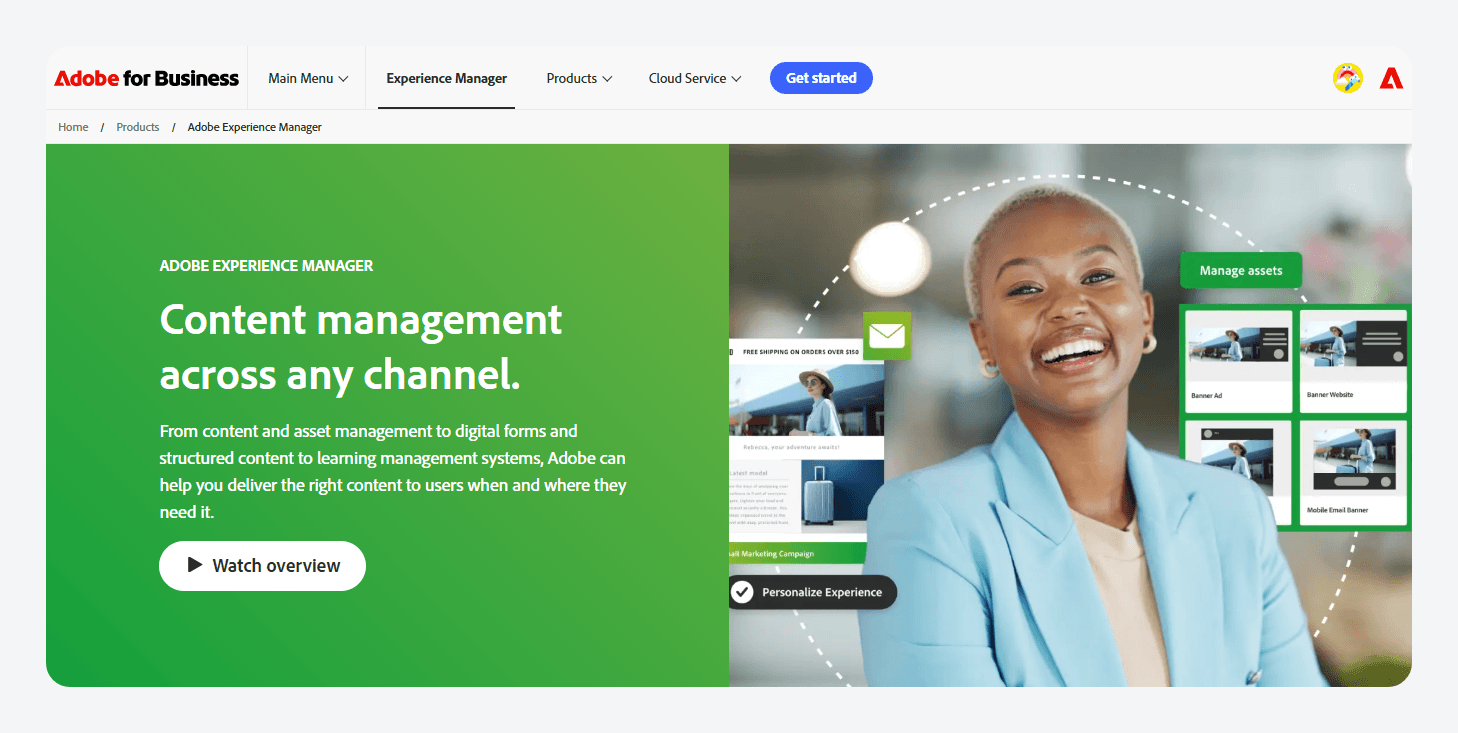
Adobe Experience Manager (AEM) is a logical fit for organizations already invested in Adobe Experience Cloud. AEM Assets, Marketo Engage, Analytics, and Target can share assets, audience data, analytics, and personalization workflows.
The trade-off is cost and ecosystem commitment. Adobe does not publish standard pricing, while Clear Digital estimates that licensing starts around $40,000 annually and rises with modules, usage, and scale.
WordPress® is generally easier to justify when Adobe-wide integration does not outweigh that premium.
Sitecore
Sitecore suits organizations that need content management closely connected to customer data, experimentation, real-time tracking, and personalization. Its current platform can make behavioral data available across Sitecore CDP, Personalize, Search, and other experience tools.
However, WordPress® is often the more practical choice when teams need a CMS rather than an integrated customer-experience suite, particularly when they already have strong PHP and JavaScript capabilities.

Drupal
Drupal remains the closest open-source comparison. Its core provides structured content, multilingual capabilities, workflows, roles, and permissions, making it a strong fit for highly governed, taxonomy-heavy systems. However, WordPress® often offers lower implementation friction and a more familiar editorial experience.
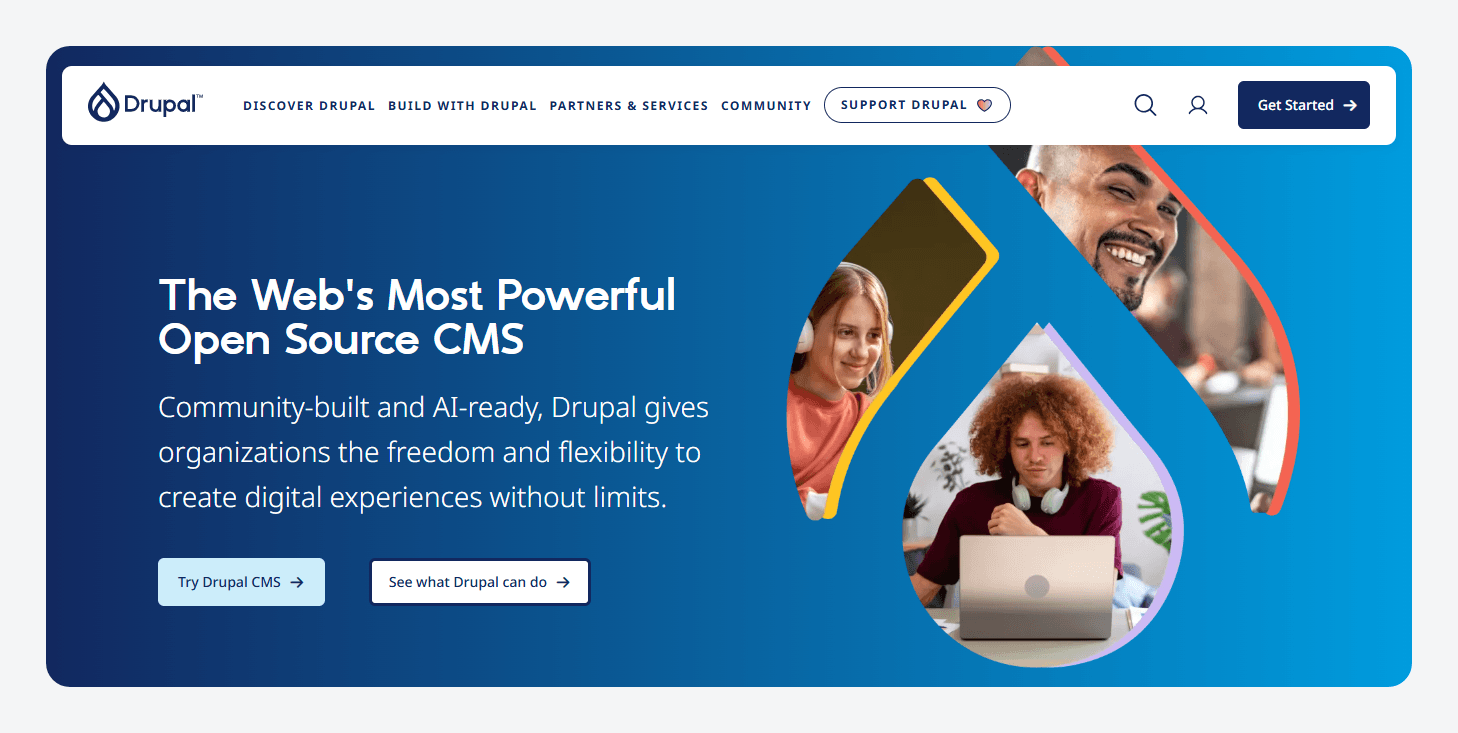
Migration stories do not prove that one platform failed universally. For instance, Capgemini moved a network of 38 sites from Drupal to WordPress® because its Drupal implementation had become difficult for its editorial and web operations teams to manage.
The key here is organizational fit, not platform supremacy.
Managed hosting versus self-hosting
The decision comes down to who owns the operational layers beneath WordPress®. Self-hosting requires the organization to provision and scale infrastructure, patch runtimes, configure caching and CDN services, mitigate attacks, monitor performance, manage backups and recovery, maintain compliance evidence, and provide production support. Managed hosting transfers much of that work to a specialist, while the organization remains responsible for application code, plugins, integrations, content architecture, and releases.
However, the managed hosting category is not uniform. For example:
- WP Engine combines managed infrastructure with SOC 2 Type II and ISO 27001 certification, a stated 99.99% uptime target, and its NitroPack add-on.
- Pantheon emphasizes Git-based WebOps through isolated Dev, Test, and Live environments and Multidev.
- Kinsta emphasizes Google Cloud’s Premium Tier network and an isolated container for each WordPress® site.
When self-hosting genuinely makes sense
Running WordPress® directly on AWS, Google Cloud, Azure, or private infrastructure can be justified when:
- An experienced internal platform team already operates production cloud infrastructure.
- Data residency, sovereign-cloud, or network-isolation requirements cannot be met by available vendors.
- Existing committed cloud spend makes WordPress® an incremental workload.
- The application requires unusual edge behavior, scaling logic, or deep integration with internal services.
The key takeaway is that infrastructure control is valuable when the organization already possesses the operating capability required to use it safely.
When managed hosting earns its premium
Managed hosting is usually stronger when a small engineering team would otherwise absorb substantial maintenance work (~148 hours per month), compliance certifications are required, uptime commitments must be contractual, or predictable costs matter more than infrastructure customization.
Costa Vida shows the potential outcome. After moving from a DIY AWS setup to WordPress® on WP Engine, its rebuilt site recorded 33% more users and supported $14.8 million in annual online revenue.
Content architecture at scale
Infrastructure can keep a website online, but it cannot prevent inconsistent pages, duplicated content, or fragile templates when editors are given no clear structure.
That’s why the content architecture is crucial.
Enterprise content architecture keeps WordPress® manageable as the organization adds more editors, websites, languages, campaigns, and delivery channels.
The goal is to define:
- What each piece of content represents.
- Which information it must contain.
- How it relates to other content.
- Where it can be reused.
- Who can create, edit, approve, and publish it.
A clear model gives editors predictable interfaces, gives developers reliable data, and makes it easier to redesign the website or publish content to new channels later.
Define content by what it represents
Enterprise teams should model reusable content as distinct entities rather than treating every URL as a one-off page. That usually means using:
- Custom post types for products, locations, case studies, events, and team members
- Taxonomies for regions, industries, audiences, services, and product families
- Structured fields for the information each content type requires
- Relationships that connect records without duplicating content
A location, for example, can have separate fields for its address, coordinates, opening hours, phone number, and services. Editors complete defined inputs instead of placing everything inside an unrestricted text editor. Templates then receive predictable data that can power pages, directories, maps, search results, and API responses.
Advanced Custom Fields (ACF®) provides the implementation layer for this architecture:
- Teams can register post types and taxonomies, attach field groups, require important values, restrict choices, and control where fields appear.
- Editors receive a structured interface.
- Developers control how the data is validated, queried, and rendered.
Implementing the content model
ACF provides the structured-field implementation layer for the content architecture inside WordPress®. Instead of asking editors to encode structured information inside free-form page content, ACF adds defined fields to the WordPress editing interface for addresses, specifications, calls to action, related content, and other required data.
Editors get a clearer, more controlled workflow. Meanwhile, developers get a defined content schema and predictable values that templates, search and indexing systems, integrations, and APIs can consume consistently when configured.
Build controlled blocks
Enterprise teams still need flexibility for landing pages, campaigns, and other modular experiences.
ACF Blocks lets PHP-focused developers create server-rendered custom blocks with structured field interfaces inside the native WordPress® block editor. WordPress® also supports native PHP-only registration for simpler dynamic blocks.
This means teams can build many custom blocks without introducing a full React build pipeline for every component. React or custom JavaScript remains appropriate for highly interactive blocks or complex, customized editor experiences.
In ACF’s 2024 survey, 59.52% of block-editor users reported using ACF Blocks, 71.05% rated ACF “very important” to their workflow, and 60.26% used version control.
Additionally, ACF PRO adds features commonly required in enterprise builds:
- Repeater fields work well for predictable lists, such as statistics, contact methods, or opening hours.
- Flexible Content can support predefined page sections that editors arrange within approved limits.
- Relationship fields connect reusable records instead of duplicating information across pages.
Supercharge Your Website With Premium Features Using ACF PRO
Speed up your workflow and unlock features to better develop websites using ACF Blocks and Options Pages, with the Flexible Content, Repeater, Clone, Gallery Fields & More.
Move the content model through Git
Field configuration should not be recreated manually in development, staging, and production. That causes configuration drift, where environments contain different fields or settings.
ACF Local JSON saves field groups, custom post types, taxonomies, and Options Pages as JSON files. Teams can then:
- Commit the files to Git.
- Review changes through pull requests.
- Store configuration beside the templates that use it.
- Deploy the model through Continuous Integration (CI).
- Synchronize environments with wp acf json sync.
- Preview changes with –dry-run.
This keeps the content model in the same release workflow as the rest of the codebase.
Keep in mind that Local JSON only synchronizes configuration. It does not move posts, field values, uploads, users, or the full database, so content migration still requires a separate process.
Keep content architecture separate from delivery
ACF controls how content is modeled, constrained, and presented to editors. It does not handle infrastructure concerns such as caching, CDN delivery, database scaling, or Core Web Vitals.
On WP Engine sites, for example, NitroPack can provide caching, image optimization, and frontend resource optimization. ACF then separately controls the structure of the content being delivered.
ACF also requires developer involvement. Editors receive purpose-built interfaces, while developers control schemas, rendering, integrations, and releases. That separation provides structure for editorial teams and control for engineering.
Ready to see what enterprise WordPress can do?
Enterprise WordPress® succeeds when every layer is planned deliberately, from caching, scaling, security, and observability to hosting ownership, release workflows, and long-term costs. Just as importantly, the content model must remain predictable as the number of editors, sites, and channels grows.
ACF gives development teams the tools to build that structured layer, version it alongside code, and provide editors with controlled, purpose-built interfaces.
Explore ACF PRO today and start building an enterprise content architecture that can scale without sacrificing editorial usability or developer control.


For plugin support, please contact our support team directly, as comments aren't actively monitored.