
Key points:
- Agency hosting is about more than speed. Site isolation, centralized management, staging, permissions, client handoffs, billing, and support become increasingly important as the number of client sites grows.
- Centralized dashboards should reduce repetitive work. Bulk updates, cloning, role-based access, reusable site configurations, and automated testing matter more than simply having every site under one login.
- Staging reduces risk but does not remove deployment complexity. Agencies still need selective deployments, version control, and tested rollback procedures, especially when production databases are continuously changing.
- WP Engine and Advanced Custom Fields (ACF) provide a strong agency development stack. WP Engine combines agency-focused hosting, workflows, support, and partner economics, while ACF PRO gives teams a consistent way to build and version structured WordPress® experiences across client sites. ACF PRO is included with WP Engine Agency Plus and Pro.
A hosting platform can be excellent for one WordPress® site and still be a poor fit for an agency managing dozens of them.
For agencies, the hosting decision has to account for what happens around each site:
- Developers need predictable staging and deployment workflows.
- Account owners need clear permissions and straightforward client handoffs.
- Operations teams need to manage updates, backups, and security without repeating the same work site by site.
- The agency needs a billing model that still makes sense as its client portfolio grows.
That makes choosing the best WordPress® hosting for agencies less about finding the provider with the fastest benchmark and more about finding the platform that removes operational friction without eroding margins.
This guide compares the top agency hosting providers across the factors that matter at agency scale, including multi-site management, development workflows, infrastructure, support, pricing, white-label options, and partner economics.
What makes agency hosting different from standard managed hosting
Agency hosting differs from standard managed hosting because it has to support the operational needs of managing many client sites, including its own production environment, staging workflow, set of credentials, update schedule, billing relationship, and support requests.
That changes what “good hosting” looks like. Performance still matters, but agencies also need to evaluate:
- Site isolation: Whether a traffic spike, resource-heavy plugin, or problem on one client site can affect others in the same account.
- Portfolio management: Whether sites, backups, updates, analytics, and other routine operations can be managed centrally rather than one installation at a time.
- Development workflows: Staging environments, cloning, Git, SSH, WP-CLI, local development, and safe ways to move changes between environments.
- Team and client access: Granular permissions that let developers, account managers, contractors, and clients access only what they need.
- Handoffs and billing: The ability to transfer completed sites, bill clients directly, resell hosting, or white-label the service under the agency’s own brand.
- Support and automation: How much routine infrastructure and maintenance work the host absorbs as the portfolio grows.
This is also why “managed WordPress® hosting for agencies” is not a standardized product category.
The same applies to the word managed. Across this category, it can mean anything from automated WordPress® updates, backups, and basic developer tooling to per-site isolation, centralized portfolio management, migrations, white-label services, advanced security, and agency-specific support.
For an agency, the meaningful comparison is how much work and risk the platform removes per client site as the portfolio grows.
The 2026 agency hosting comparison
The best WordPress® hosting for an agency depends on what the agency is trying to optimize: predictable margins, design workflows, per-site performance, or low-cost portfolio growth. The providers below approach those problems very differently.
WP Engine
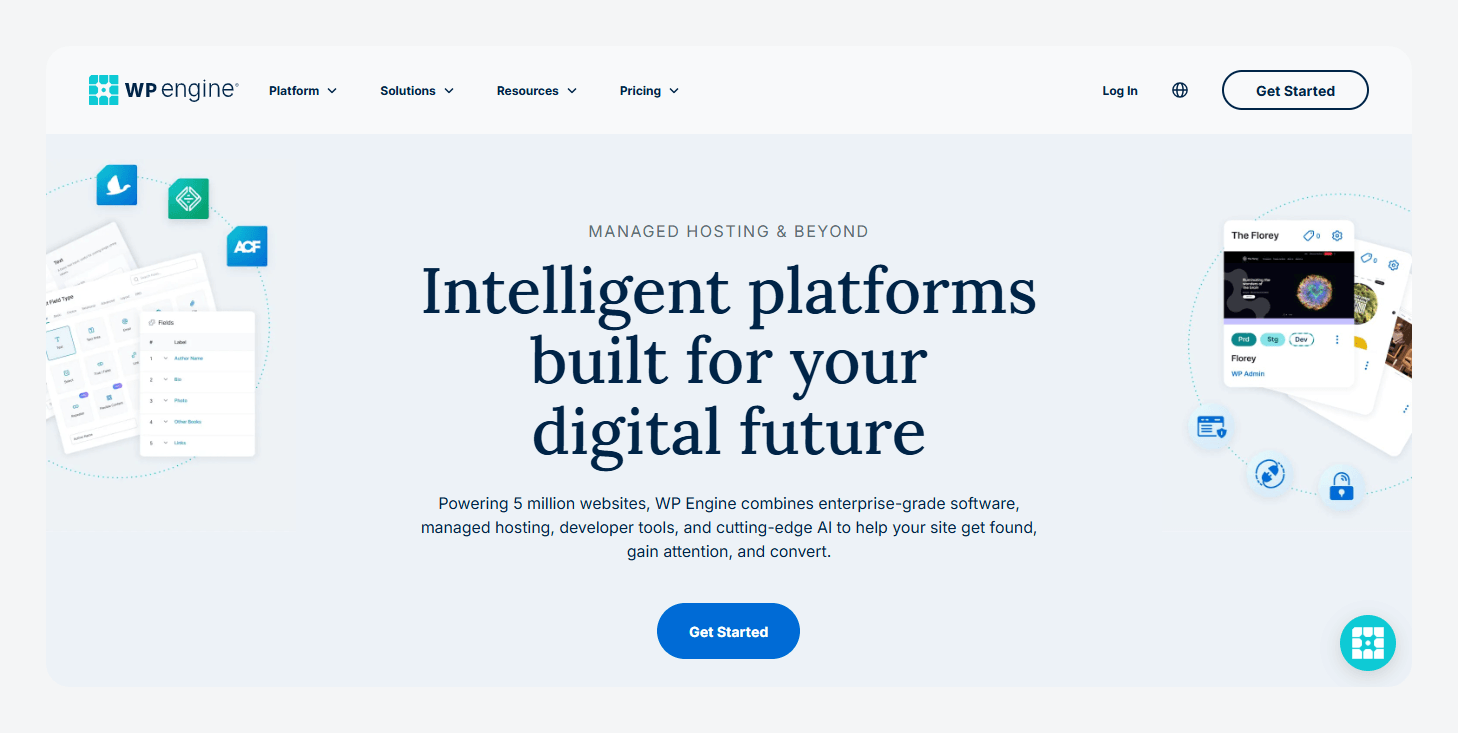
WP Engine is one of the strongest fits for agencies that want hosting to become a repeatable service rather than another layer of infrastructure to manage. Its agency plans combine predictable per-site pricing with bulk site management, Git, the Local development tool, sandbox sites, 24/7 WordPress® support, and a 99.95% uptime guarantee:
- Agency Essentials starts at $56/month for five sites and can scale to 25.
- Agency Plus starts at $83/month for five sites and can scale to 100. It adds 24/7 phone support, uptime monitoring, and Advanced Custom Fields (ACF®) PRO.
- Agency Pro is custom-priced for larger portfolios starting at 50+ sites. It adds managed migrations, more automation, and higher-touch onboarding.
There is also a business layer beyond hosting. WP Engine’s Agency Partner Program has more than 11,000 active agency partners globally and adds recurring commissions, free agency hosting, and referral opportunities as agencies move through its partner tiers.
Flywheel
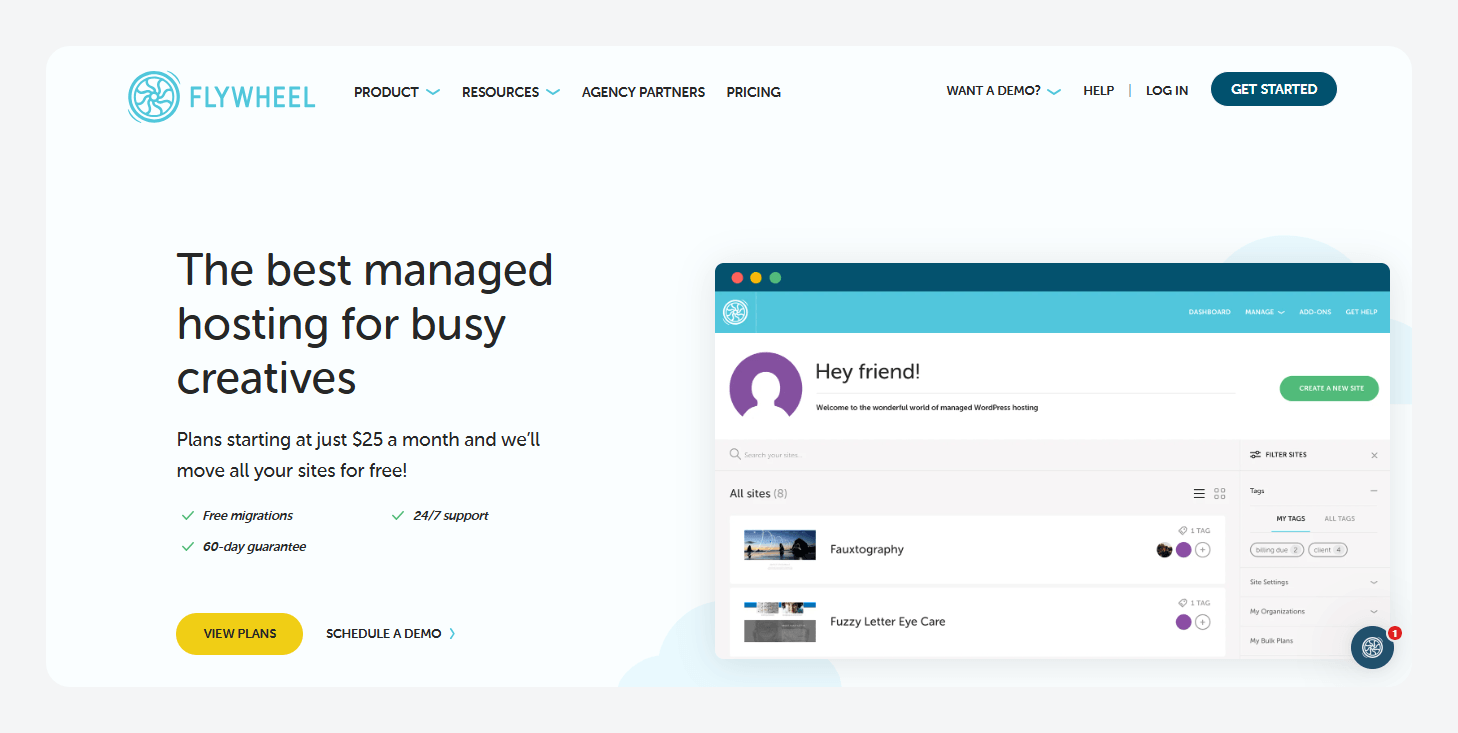
Flywheel simplifies hosting and maintaining WordPress® sites with managed infrastructure, streamlined site management, collaboration tools, and client workflows. It’s aimed especially at freelancers, designers, and agencies.
For Flywheel’s pricing:
- The Freelance plan costs $96/month when billed annually and supports up to 10 sites.
- Agency plan costs $242/month for up to 30 sites.
Both plans include Flywheel’s centralized dashboard, free migrations, staging, Local for desktop development, and SSH access.
The standout agency feature is Blueprints. An agency can save a configured WordPress® install, including its themes, plugins, settings, and non-core files, then reuse it as the starting point for future projects. That removes repetitive setup work when the same stack appears across multiple client builds.
Flywheel also supports Billing Transfer, so an agency can build the site under its account and then hand the hosting subscription to the client rather than managing the ongoing hosting bill itself.
Kinsta
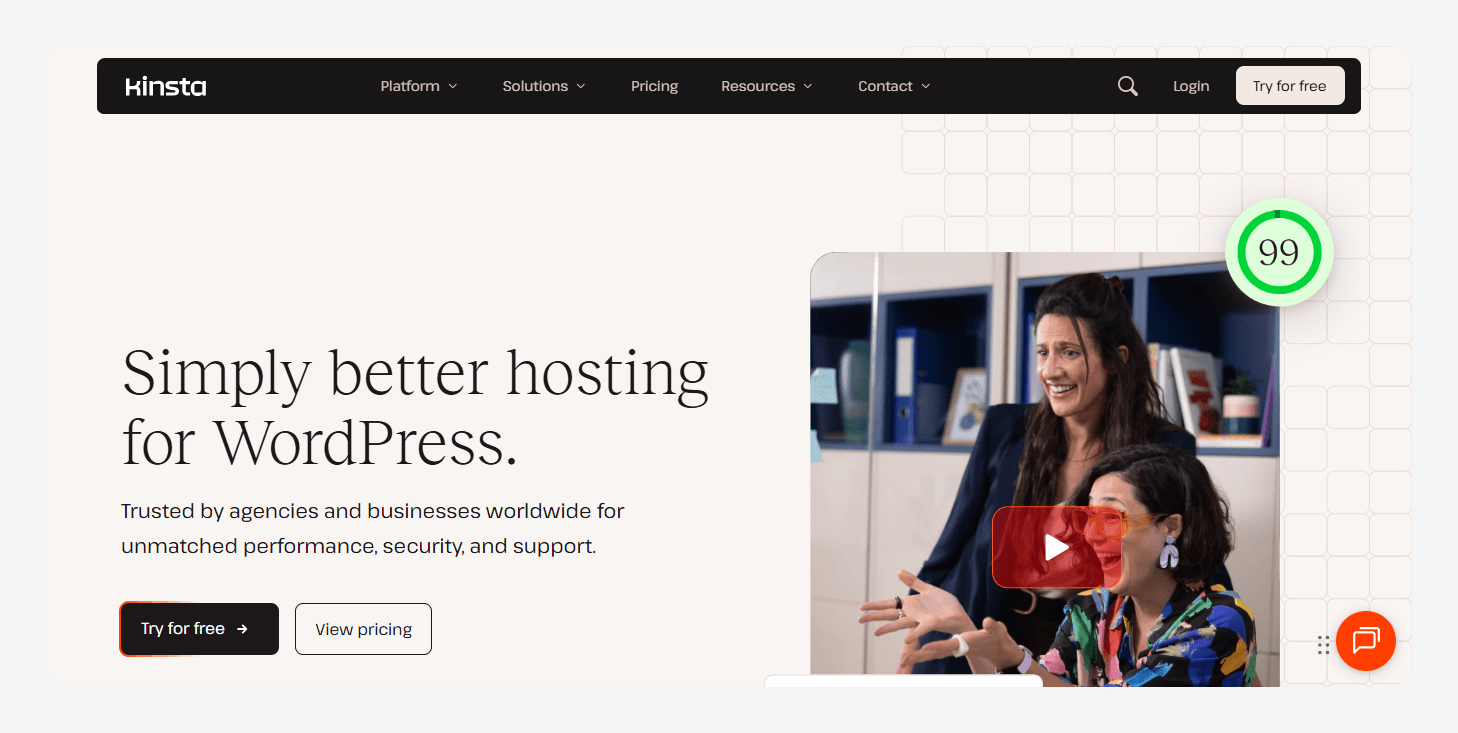
Kinsta is a strong fit for agencies that want per-site isolation and a tightly managed infrastructure layer. Every WordPress® site runs in its own isolated software container, so its resources are not shared with other sites in the same account.
For pricing (when billed annually), the Agency 20 plan starts at $284/month, Agency 40 starts at $375/month, and Agency 60 starts at $563/month. All three plans include 30-day backup retention, unlimited migrations, staging, and unlimited MyKinsta users with role-based access.
Kinsta also provides 29 hosting data centers, up to a 99.99% uptime SLA, white-labeling in WP Admin, a Cloudflare-powered CDN spanning 300+ locations, and managed WAF and DDoS protection.
Cloudways
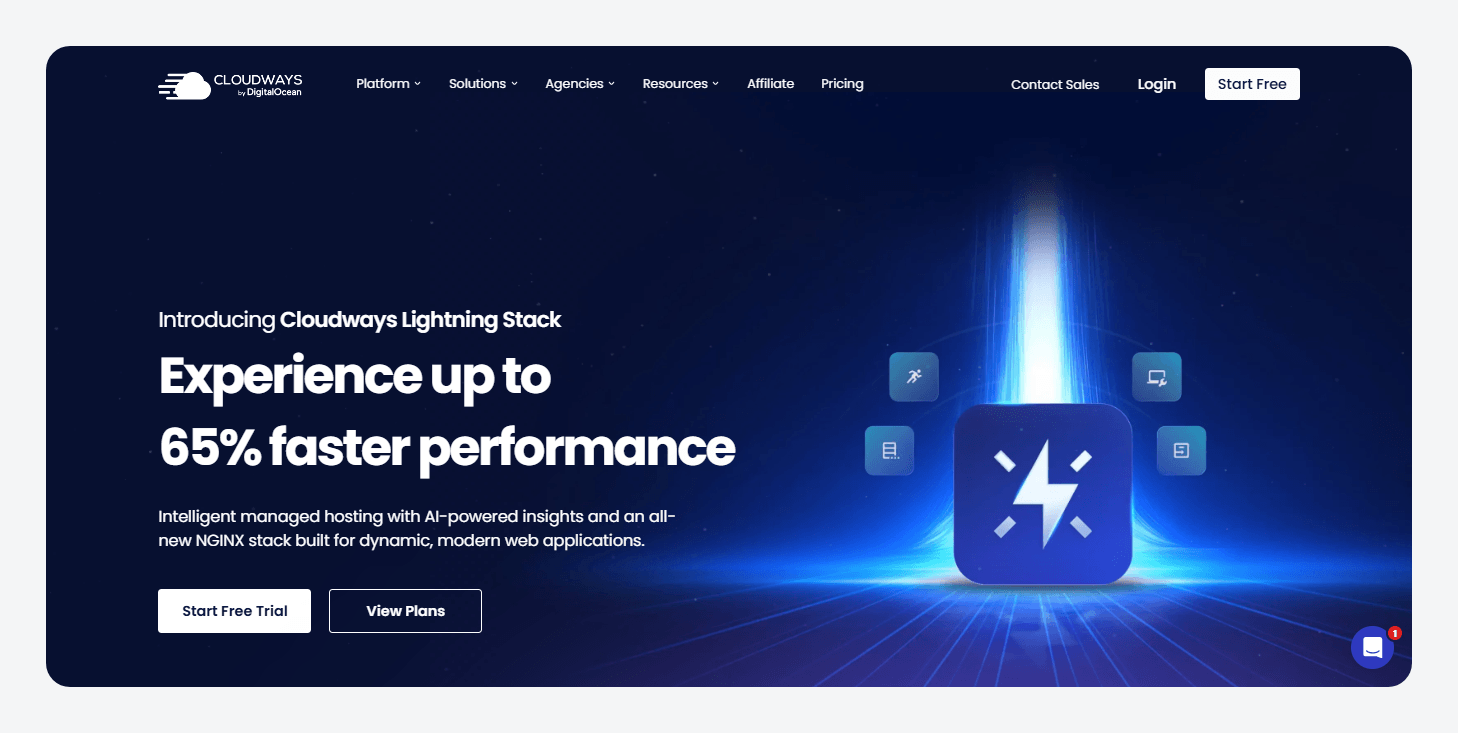
Cloudways is a strong fit for agencies that want managed WordPress® tooling without being locked to one infrastructure provider. Its Flexible platform lets agencies deploy across DigitalOcean, Vultr, Linode, AWS, or Google Cloud, with 150+ data-center options globally and unlimited websites per server, subject to the server’s available resources.
Pricing is pay-as-you-go and varies by provider and configuration. You choose the cloud server/provider and size you need, and Cloudways bills you for the infrastructure while it’s running. You can host multiple client applications on a server as resources allow.
For larger portfolios, Cloudways Site Manager Pro includes SafeUpdates, which backs up sites, tests WordPress® core, theme, and plugin updates in temporary staging, runs Visual Regression Testing (VRT) and other checks, and deploys only after those tests pass. It costs $3/site monthly for up to five sites or $2/site for six or more.
SiteGround
SiteGround offers a low-cost way to manage multiple client sites without giving up the core development workflow:
- The GrowBig plan renews at $29.99/month when prepaid for 12 months and includes unlimited websites within plan resource limits, 50 GB of storage, staging, on-demand backups, SSH, WP-CLI, and PHP version management.
- GoGeek renews at $44.99/month on the same term and increases storage to 100 GB while adding priority support, Git integration, and white-label Site Tools for client access. (siteground.com)
SiteGround heavily discounts the initial term, so long-term client profitability should be calculated against the renewal price, not the promotional rate. Also, “unlimited websites” does not mean unlimited resources because every site still shares the account’s allocated capacity.

Here’s how these providers compare at a glance:
| Provider | Best for | Starting plan | Sites included | Key agency advantage |
|---|---|---|---|---|
| WP Engine | Scaling and profitability | Agency Essentials – $56/mo | 5, scalable to 25 | Bulk site management, Sandbox Sites, client transfers, and Agency Partner Program. |
| Flywheel | Design-led agencies | Freelance – $96/mo annually | Up to 10 | Blueprints for repeatable builds and Billing Transfer for client handoffs. |
| Kinsta | Performance | Agency 20 – $284/mo annually | 20 | Per-site container isolation, unlimited users, role-based access, and site transfers. |
| Cloudways | Infrastructure flexibility and control | DigitalOcean Flexible – from $11/mo | As many as resources allow | Choice of cloud provider, server-level control, cloning, staging, and Site Manager. |
| SiteGround | Budget-conscious early-stage agencies | GrowBig – $29.99/mo renewal | As many as resources allow | Low-cost multi-site management, staging, collaborators, SSH, and WP-CLI. |
The lowest server price is not necessarily the lowest cost per managed site. For an agency, the more useful calculation is hosting + management tooling + the staff time required to maintain the portfolio, rather than simply dividing the server bill by the number of sites.
How centralized dashboards handle dozens of client sites
Centralized dashboards make large WordPress® portfolios manageable by turning repetitive site-by-site administration into portfolio-level operations, while still controlling who can access each client environment.
MyKinsta is a good example of how far that model has evolved. Agencies can add unlimited users with company-level or site-level roles, clone and transfer sites, and now run bulk actions across multiple live or staging environments, including plugin and theme updates and cache clearing.
WP Engine similarly combines bulk site management and data-driven insights with its developer workflow. Its AI-powered plugin and theme updates add visual regression testing and rollback protection rather than simply switching on WordPress® auto-updates.
For agencies that repeatedly build from the same stack, Flywheel Blueprints solve a different scaling problem. They save a site’s themes, plugins, and configuration as a reusable starting point, eliminating much of the setup work on each new project.
Cloudways Site Manager centralizes plugins, themes, users, bulk updates, SSO, and portfolio status. Its Pro tier incorporates SafeUpdates, which tests changes on a temporary clone and uses visual regression testing before applying them to production.
The real value of an agency dashboard comes from reducing how many individual site actions your team has to perform without removing the isolation, permissions, and deployment controls that keep client environments separate.
Staging environments and the problems they don’t solve
A staging environment reduces deployment risk by giving agencies a separate copy of WordPress® to test changes, but it does not make moving those changes to production automatically safe.
The key distinction is between testing a change and deploying the right data. On WP Engine, development, staging, and production are independent environments, so staging work does not affect the live site until it is deliberately copied or deployed.
Problems arise when staging and production have both changed since the environments diverged. A full staging-to-production database copy can overwrite newer production data, including posts, users, and WooCommerce® orders. That’s why WP Engine lets agencies perform custom environment copies that exclude the database or include only selected tables.
That makes a safer workflow less about always “pushing staging” and more about knowing what changed. Theme and plugin code can often move independently of production content, while database-backed configuration needs more deliberate handling. Ecommerce, membership, and other transactional sites require particular care because production data may be changing continuously.
Some production configurations can also sit outside the WordPress® database. On WP Engine, SSL certificates, User Portal redirects, custom cache exclusions, and certain Nginx rules are not transferred during an environment copy, so those settings still need to be checked during deployment.
ACF Local JSON helps reduce that deployment risk. ACF can save field groups, post types, taxonomies, and Options Pages as JSON files alongside the project. Those files can be committed to Git and synchronized across environments, allowing important content-model configuration to move with the code instead of requiring a full database copy.
This is already a familiar workflow among ACF users. In the 2024 ACF Annual Survey, 60.26% of respondents said they typically use version control in site development, while 31.06% selected “Always” for JSON Field Group Sync usage.
For more automated workflows, ACF 6.8+ also provides wp acf json commands for checking sync status and importing, exporting, or synchronizing Local JSON through WP-CLI.
For agencies standardizing this workflow across clients, ACF PRO Agency costs $249/year for unlimited production websites. WP Engine Agency Plus and Pro already include ACF PRO.
Supercharge Your Website With Premium Features Using ACF PRO
Speed up your workflow and unlock features to better develop websites using ACF Blocks and Options Pages, with the Flexible Content, Repeater, Clone, Gallery Fields & More.
Partner programs and reseller economics
Agency partner programs can make hosting a source of recurring revenue, but their bigger value is often what happens beyond commission – referrals, co-selling, technical support, and visibility that can help agencies win more work.
WP Engine has one of the largest agency ecosystems in the category, with more than 11,000 agencies members of its Agency Partner Program.
The program has four tiers, assessed on a rolling 12-month basis:
- Member: No minimum referrals – 8% recurring commission.
- Preferred: Three referral submissions – 8%.
- Advanced: $1,200 in referred revenue – 10%.
- Strategic: $5,000 in referred revenue – 12%.
Commissions run for up to 12 months per referred customer, with no cap on referrals. Every tier includes a free agency hosting account, while higher tiers unlock benefits including priority technical support, stronger Agency Directory placement, co-marketing, dedicated account management, and lead referrals.
Kinsta uses three tiers: Entry at $100+ MRR, Select at an Agency plan or $300+ MRR, and Elite at $1,000+ MRR. Select adds limited lead referrals and directory exposure, while Elite adds a dedicated partner manager. Its optional Affiliate Program pays $50–$500 upfront plus 10% recurring commission for the lifetime of referred Managed WordPress® Hosting customers, rather than stopping after 12 months.
The commercial models differ too:
- WP Engine supports white-label hosting with consolidated agency billing or direct client billing through its referral model.
- Kinsta supports white-label WordPress® administration and hosting resale, although it does not provide a built-in reseller billing system.
- Flywheel Billing Transfer moves ownership and payment to the client while keeping the agency as a collaborator.
For agencies, the best model is therefore the one that fits how they make money – resale margin, recurring referral commission, direct client billing, or a combination of the three.
Matching hosting to your agency’s profile
The best WordPress® hosting for your agency is the platform whose operating model matches the way your team builds and manages client sites.
WP Engine is particularly strong for agencies prioritizing scalable workflows and recurring hosting revenue, while Flywheel stands out for design-led teams and streamlined handoffs.
Once the hosting decision is made, agencies still need a consistent way to build WordPress® sites across their client portfolio. ACF PRO provides that consistency for teams that rely on structured fields, custom content models, ACF Blocks, Options Pages, Repeater, Flexible Content, and other PRO features.
The ACF PRO Agency license costs $249/year for unlimited production websites, making it practical to standardize structured content, reusable fields, and version-controlled Local JSON across an entire client portfolio.
Don’t wait any longer. Standardize how your team builds across every client project with ACF PRO Agency today.
For agencies using WP Engine Agency Plus or Agency Pro, ACF PRO is already included.


For plugin support, please contact our support team directly, as comments aren't actively monitored.