
Key points:
- SearchWP and Relevanssi are the leading choices for content-heavy sites, but SearchWP favors visual configuration while Relevanssi offers deeper code-level control and more generous agency licensing.
- WooCommerce stores have specialized search needs. FiboSearch delivers the fastest path to live product search and add-to-cart UX, while SearchWP Pro provides deeper control over SKUs, attributes, variations, and custom product metadata.
- Large sites should consider moving search outside the WordPress® database. ElasticPress and WP Engine Smart Search use dedicated search infrastructure to handle larger content libraries, higher traffic, and more complex search workloads.
- Search relevance and search experience are separate decisions. Many of the strongest implementations pair a search engine with a dedicated AJAX layer and faceted filtering to improve both discovery and usability.
- ACF makes advanced search easier by creating structured, indexable content. Search plugins determine what can be found, but ACF defines the relationships, custom fields, and content architecture that modern search engines rely on.
WordPress®1 search plugins exist because the default WordPress® search is narrow by design. It queries only three columns – post_title, post_excerpt, and post_content – using SQL LIKE, so it does not automatically search custom fields, comments, taxonomy terms, or PDF content. That becomes a problem on modern sites where important information lives in custom post types, WooCommerce attributes, SKUs, taxonomies, and Advanced Custom Fields (ACF®) fields.
However, not all search plugins solve the same problem. Some replace WordPress® search with a more powerful relevance engine, some offload search to dedicated infrastructure, some focus on AJAX-powered user experiences, and others add faceted filtering.
This guide compares the leading WordPress® search plugins by use case, helping you choose the right search architecture for your site’s content, scale, and growth plans.
Supercharge Your Website With Premium Features Using ACF PRO
Speed up your workflow and unlock features to better develop websites using ACF Blocks and Options Pages, with the Flexible Content, Repeater, Clone, Gallery Fields & More.
The four categories of WordPress search plugins
Most WordPress® search plugins fall into four architectural categories, and understanding the differences makes choosing the right tool much easier:
- Full search replacement plugins such as SearchWP and Relevanssi build their own search index inside or alongside WordPress. Instead of relying on the default
post_title,post_excerpt, andpost_contentsearch, they index additional content sources such as custom fields, taxonomies, PDFs, and custom post types, then apply their own relevance algorithms. - Infrastructure-level services such as ElasticPress and WP Engine Smart Search take a different approach. Rather than searching inside MySQL, they offload indexing and querying to a dedicated search infrastructure. This improves performance and scalability for large content libraries, high-traffic sites, and complex WooCommerce catalogs.
- Live/AJAX search plugins focus on the front-end experience. They display results as users type, without requiring a page reload. Some, such as SearchWP Live Ajax Search, act primarily as a presentation layer on top of an existing search engine. Others, such as Ajax Search Lite, combine live search with their own configurable search behavior.
- Faceted filtering plugins such as FacetWP and WPFilters help users narrow results by attributes like category, price, location, taxonomy terms, or custom fields. They often work best when paired with a dedicated search engine that handles keyword relevance.
Quick comparison: Best WordPress search plugins
The best WordPress® search plugin depends on the type of search problem you’re trying to solve. Here’s a comparison at a glance:
| Plugin | Best For | Price | Free Version |
|---|---|---|---|
| SearchWP | Content-heavy sites needing visual configuration | From $99/yr (1 site) | No |
| Relevanssi | Content-heavy sites needing code-level control or agency licensing | Free; Premium €120/yr or €402 lifetime | Yes |
| FiboSearch | WooCommerce stores wanting live product search and add-to-cart UX | Free; Personal Pro $59/yr first year | Yes |
| SearchWP Pro | WooCommerce inside a broader SearchWP deployment | $199/yr (3 sites) | No |
| ElasticPress | Large or high-traffic sites needing search offload | The plugin is free; ElasticPress.io from $29/mo | Yes (plugin only) |
| WP Engine Smart Search | ACF-powered sites on WP Engine Premium or Headless | From $140/mo | No |
| Ajax Search Lite | Free live AJAX search with configurable local search behavior | Free; Pro available separately | Yes |
| SearchWP Live Ajax Search | AJAX dropdowns for SearchWP users | Free | Yes |
| Ivory Search | Combined search engine and AJAX experience, including multilingual sites | Free; Pro from $19.99/yr | Yes |
As mentioned before, a faceted plugin can operate independently, but larger sites often combine a dedicated search engine with a filtering layer to get both strong keyword relevance and structured attribute-based narrowing.
Best for content-heavy sites
For content-heavy WordPress® sites, the shortlist usually comes down to SearchWP vs. Relevanssi. Both are built for sites where important content lives beyond standard titles and body copy, such as custom fields, multiple post types, taxonomies, PDFs, user data, and shortcode output.
SearchWP
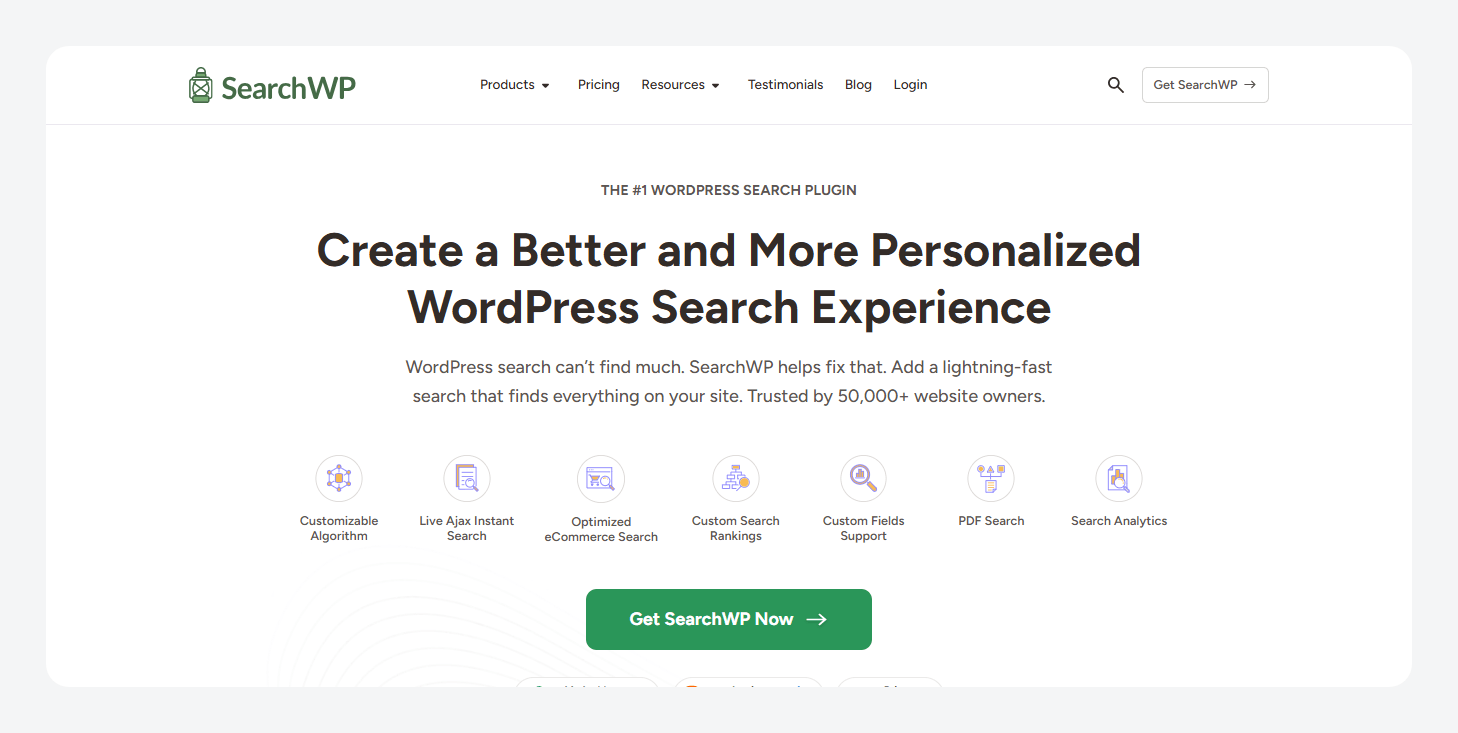
SearchWP is the stronger fit for teams that want visual control. It indexes post types, taxonomies, PDFs, custom database tables, shortcode output, and custom fields, including ACF fields. Its relevance model is configured through drag-and-drop weight sliders, and its behavioral learning can automatically increase the weight of results that users click frequently.
That makes SearchWP approachable for editorial and marketing teams, while still flexible enough for developer-led builds. It’s particularly well-suited to ACF-heavy content models because it indexes custom fields out of the box, and pairs with SearchWP Live Ajax Search for dropdowns and WPFilters or FacetWP for filtering.
Pricing starts with a promotion: $99/year for Standard, Pro for $199/year, and $399/year for All Access. All plans include a 14-day money-back guarantee.
Relevanssi
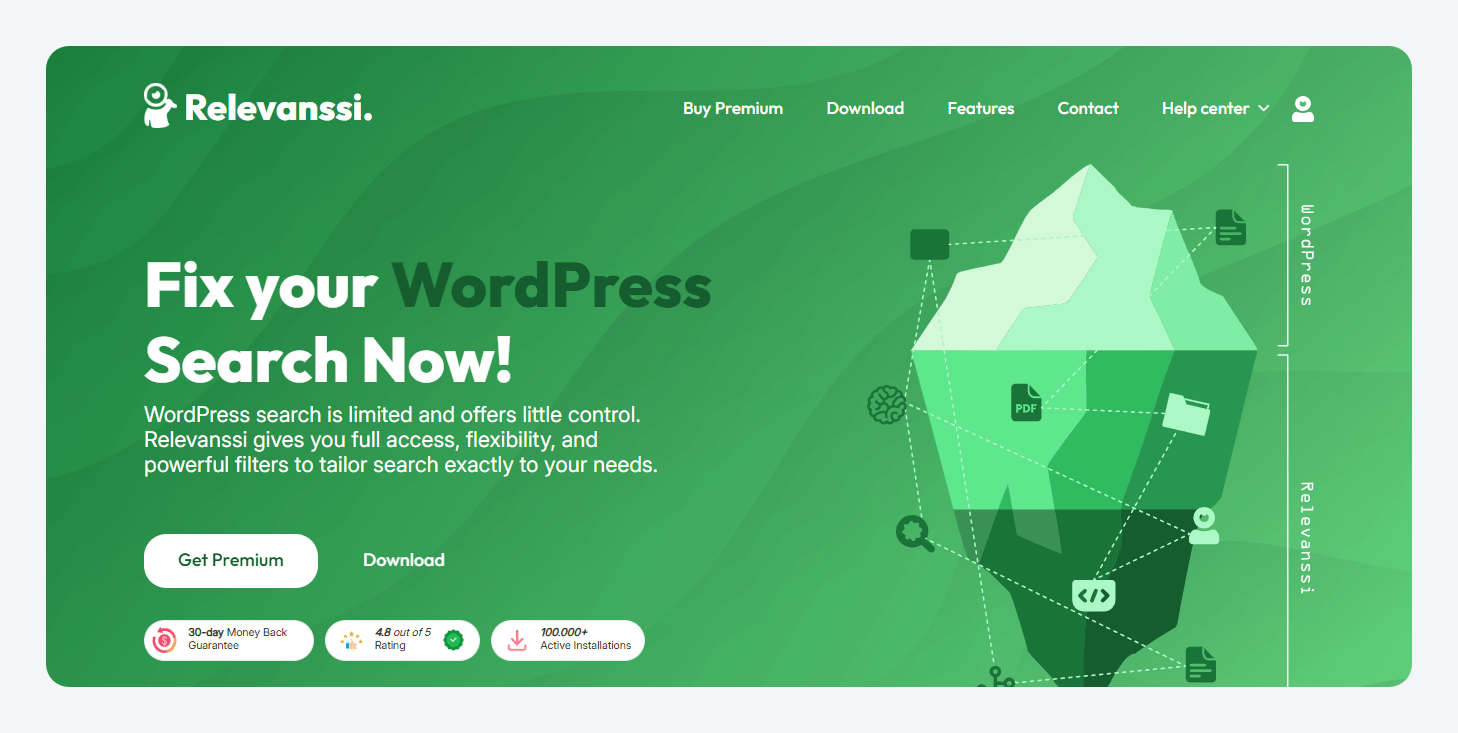
Relevanssi is better when cost, agency licensing, or code-level relevance control matters more. The free version covers a lot: post types, comments, custom fields, taxonomy terms, user profiles, and shortcode output. Premium adds PDF indexing, “Did you mean?” suggestions, and weighted multisite search.
Relevance can be customized deeply through WordPress® filters, which rewards PHP-comfortable developers but may feel less friendly for UI-first site owners.
Relevanssi Premium costs €120/year or €402 for a permanent license, both with unlimited-site usage. The free version covers most core functionality, and Premium includes a 30-day money-back guarantee.
For agencies managing four or more client sites, Relevanssi’s unlimited-site licensing can become significantly more economical than SearchWP Pro’s three-site limit.
Best for WooCommerce stores with product attributes and SKUs
WooCommerce search often fails for a simple reason: much of the information customers search for lives in product meta rather than the product title. Attributes, variations, SKUs, and custom product data aren’t reliably searchable by default, so a query like “blue size M shirt” can return no results even when the product exists.
FiboSearch and SearchWP Pro are great options. However, for stores with a few thousand products and significant concurrent traffic, infrastructure-level search may be a better fit than a database-resident plugin. ElasticPress is one of the most common next steps, and ElasticPress.io is included with WP Engine’s eCommerce hosting plans (covered in the next section).
FiboSearch
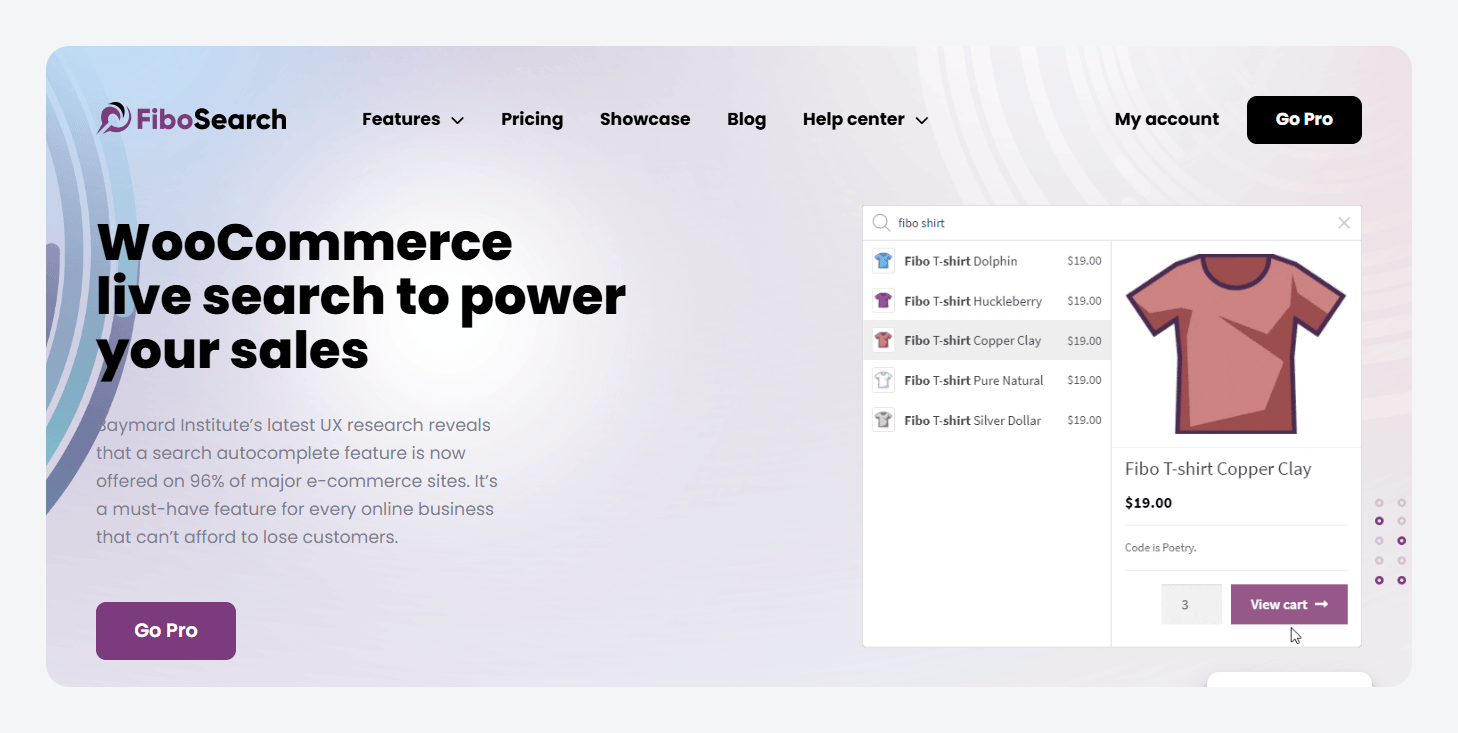
FiboSearch is the simplest option. It indexes product titles, SKUs, short descriptions, and full descriptions, while the Pro version adds product attributes, custom taxonomies, and tags. Relevance is tuned specifically for eCommerce, with title and SKU matches prioritized over description matches.
The plugin’s biggest advantage is speed of implementation: install it, configure a few settings, and users immediately get an AJAX-powered search dropdown with product images, prices, and SKUs. Pro also adds add-to-cart functionality directly from the search results.
It’s a good fit for standalone WooCommerce stores that want a strong live-search and add-to-cart experience with minimal setup.
FiboSearch offers a free version, with Personal Pro starting at $59/year for the first year. Entrepreneur and Agency plans are available for multi-site deployments.
SearchWP Pro
The key advantage of SearchWP Pro is flexibility. If you store data such as material, country of origin, certifications, or technical specifications in ACF fields, SearchWP Pro can include those values in search results alongside native WooCommerce data.
This plugin is best suited for sites already running SearchWP for content search and wanting WooCommerce products, custom fields, and site-wide search to run through a single engine.
It costs $199/year for three sites.
Best for large or high-traffic sites
At a certain scale, the question shifts from which search plugin offers the best relevance to whether search should still run inside WordPress® at all. The tipping point is usually one of three situations:
- Sites with 50,000+ posts.
- WooCommerce stores with thousands of products and concurrent shoppers.
- Sites already experiencing performance issues from database-resident search.
At that point, moving search onto dedicated infrastructure often delivers a bigger improvement than switching between SearchWP and Relevanssi.
ElasticPress
ElasticPress replaces WordPress’s search engine entirely. Rather than querying MySQL, WordPress® sends search requests to Elasticsearch, which is designed specifically for fast full-text search at scale.
It can index virtually anything stored in WordPress® – custom fields, taxonomies, PDFs, WooCommerce data, multisite networks, and headless WordPress® deployments using the REST API. Relevance is powered by Elasticsearch’s ranking algorithms with WordPress-specific tuning, while advanced users can further customize weighting by content type.
The trade-off is complexity. ElasticPress has the steepest setup curve of any option in this guide, typically involving wp-config.php configuration and WP-CLI indexing.
It’s a suitable option for host-agnostic sites at scale, high-volume WooCommerce stores, and development teams comfortable with WP-CLI and infrastructure-level tooling. For teams already hosted on WP Engine, ElasticPress.io is also available through WP Engine’s platform as part of the company’s ongoing partnership, making it easier to adopt Elasticsearch-powered search without managing infrastructure separately.
The ElasticPress plugin itself is free if you’re connecting WordPress® to your own Elasticsearch/OpenSearch infrastructure. For teams that want managed hosting and maintenance, ElasticPress.io starts at $29/month billed annually on the Engage plan, with higher tiers available for larger workloads.
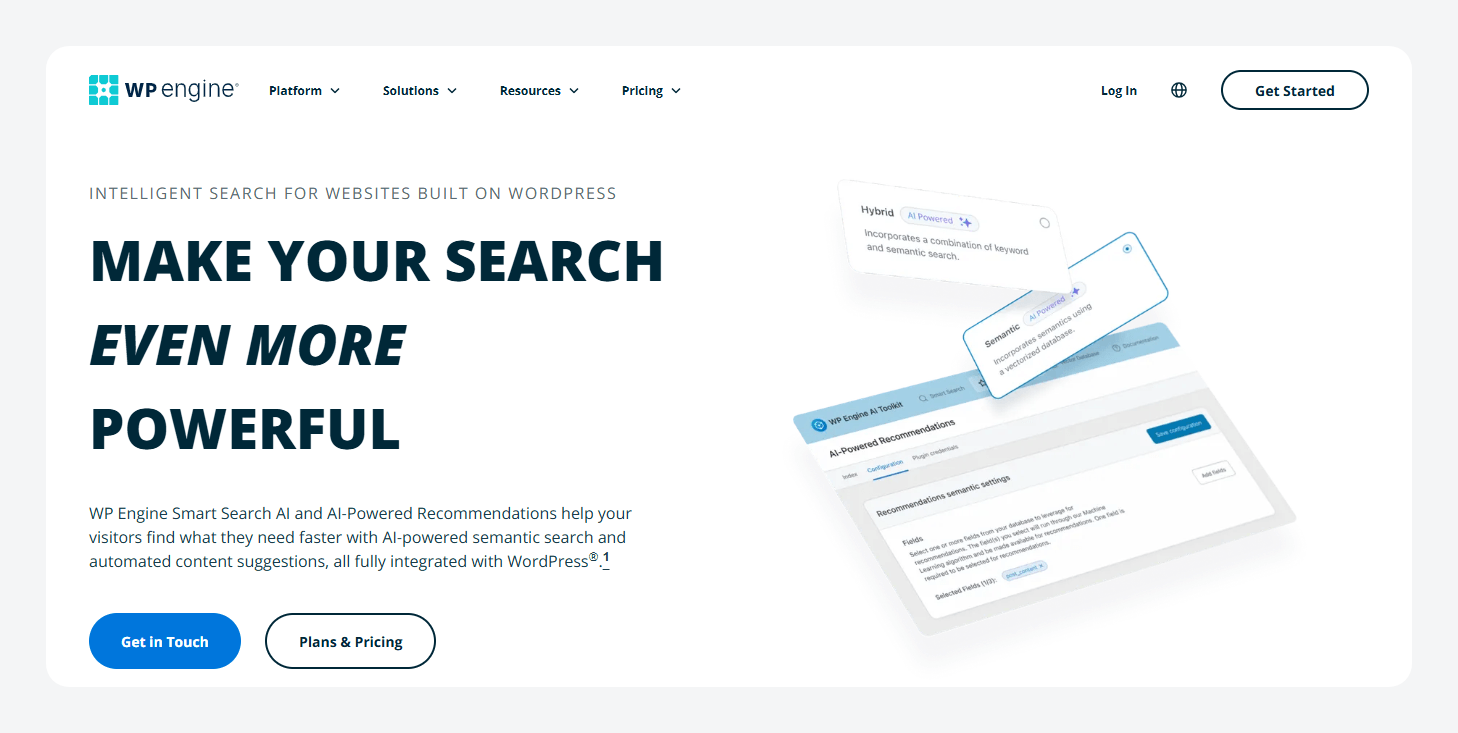
WP Engine Smart Search
WP Engine Smart Search solves the same scalability problem from the opposite direction – managed infrastructure instead of self-managed infrastructure.
- Posts, pages, custom post types, taxonomies, and ACF fields are indexed out of the box.
- WooCommerce support is available through WP Engine’s eCommerce offerings.
- Headless implementations are supported through WPGraphQL.
- Search quality combines traditional full-text search, semantic search, and AI-powered hybrid ranking.
- Features such as configurable Models, Promote Posts, and Custom Search Results give editors direct control over what users see.
Setup is substantially simpler than ElasticPress. Install it through the WP Engine User Portal, run a content sync, and search is live.
The trade-off is platform dependency: Smart Search requires an existing WP Engine Premium or Headless Platform plan.
For ACF users and those who want infrastructure-level search without managing Elasticsearch themselves, Smart Search is particularly compelling because custom fields are indexed automatically. WP Engine owns both Smart Search and ACF, and the products are designed to work together. In fact, WP Engine uses Smart Search on the ACF website itself.
Smart Search starts at $140/month as a Product Extension for WP Engine Premium or Headless Platform customers. Pricing includes unlimited sites and searches but requires an existing eligible WP Engine hosting plan.
Best for AJAX live search and front-end user experience
When evaluating AJAX search plugins, it’s important to separate search relevance from search experience. A search engine decides what results match a query and how they rank. An AJAX plugin decides how those results appear as users type. The cleanest setups often combine both – for example, SearchWP handling relevance while a separate AJAX layer provides the dropdown experience.
If you’re using Elementor, Divi, or a heavily customized block theme, check the vendor’s compatibility documentation before installing.
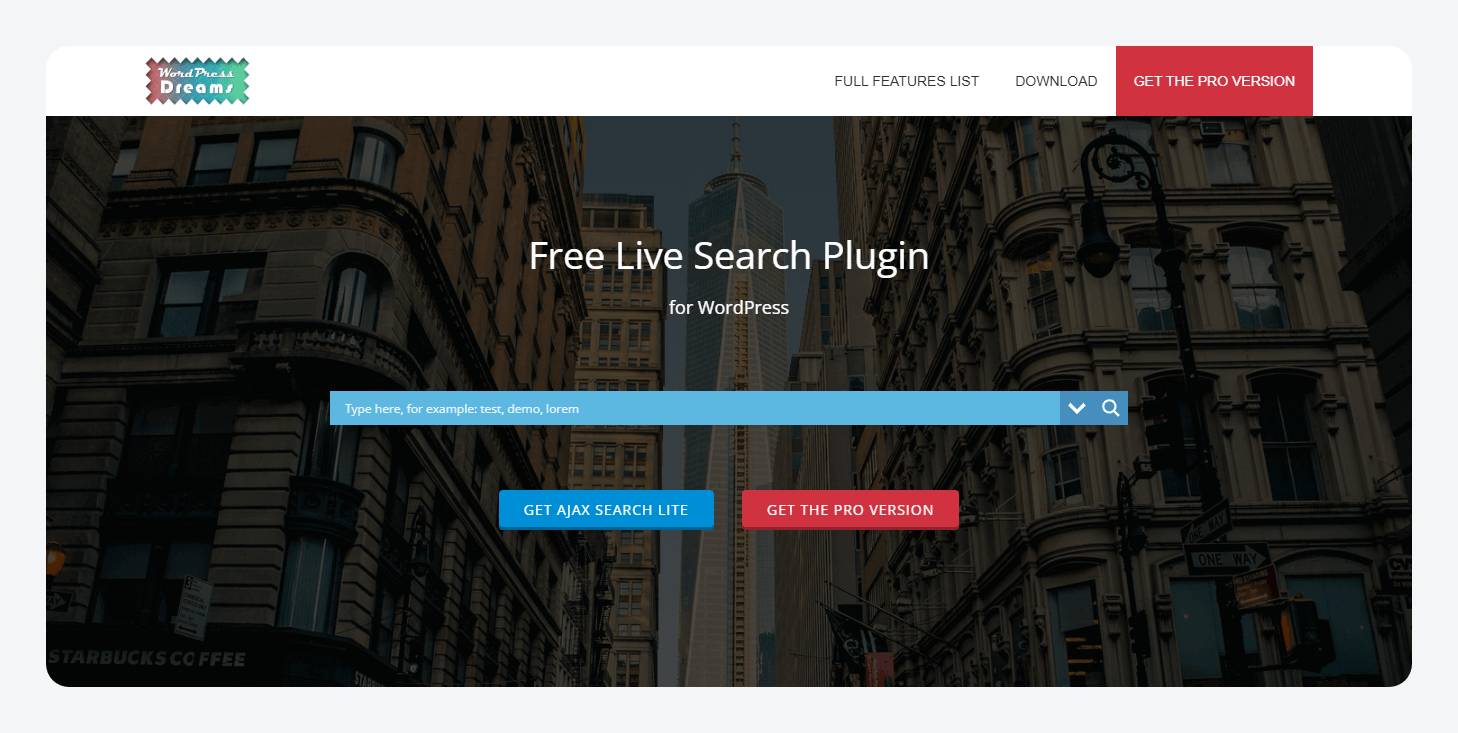
Ajax Search Lite
Ajax Search Lite is a standalone live-search solution that improves both UX and what gets searched compared with the default WordPress® search. It searches posts, pages, custom post types, titles, content, excerpts, categories, tags, and custom fields while displaying results instantly through an AJAX interface.
The Pro version expands support to media and file-content search, BuddyPress and PeepSo, advanced filters, caching, result grouping, priorities, and synonyms.
Ajax Search Lite is best suited for sites that want configurable live search without adopting a larger search engine such as SearchWP, Relevanssi, or ElasticPress.
You can use the free version or opt for the Pro version, which starts at a one-time purchase of €99 for one site.
SearchWP Live Ajax Search
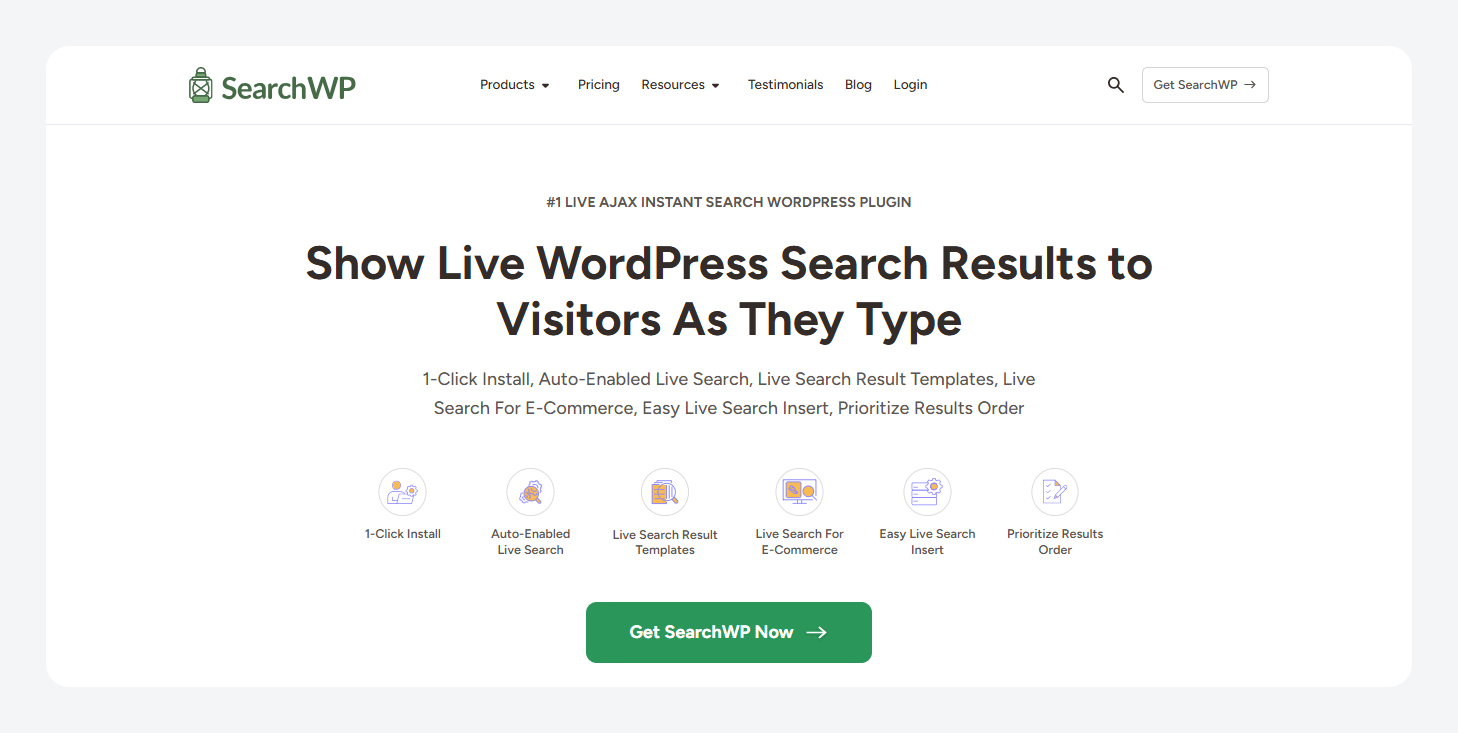
SearchWP Live Ajax Search is primarily a display layer. It inherits SearchWP’s indexing and ranking logic and presents results in an AJAX dropdown as users type. Setup is simple and requires little configuration.
It’s free, and it’s great for sites already running SearchWP that want a polished live-search experience without custom development.
Ivory Search
Ivory Search combines the search engine and AJAX experience in a single plugin. It indexes posts, pages, custom post types, and taxonomies, with WooCommerce features and PDF indexing available in paid plans. Relevance can be configured per search form, and the plugin has particularly strong multilingual support through WPML, Polylang, and Weglot.
This plugin suits multilingual sites that want both search functionality and AJAX search UX bundled into a single plugin.
There is a free version, and if you want the paid features, Pro starts at $19.99/year, while Pro Plus starts at $49.99/year (adds WooCommerce and PDF support).
What to evaluate in any WordPress search plugin
Once you’ve narrowed the field, evaluate the following three factors.
Custom field indexing and content structure
The first thing to evaluate is what the plugin can actually index because WordPress® stores custom field data separately from post content. If important information lives in product specifications, staff profiles, property details, or relationship data, a search engine is only as good as the structure underneath it.
That’s where ACF comes in. Search plugins index data while ACF defines and organizes it – SearchWP’s own documentation describes ACF as “a primary go-to” for structuring custom content on WordPress® sites. For example, an ACF Relationship field can model connections such as property → agent or staff member → department. Those relationships become searchable because they exist as structured, queryable data. ACF PRO’s Bidirectional Relationships feature automatically keeps both sides synchronized.
Supercharge Your Website With Premium Features Using ACF PRO
Speed up your workflow and unlock features to better develop websites using ACF Blocks and Options Pages, with the Flexible Content, Repeater, Clone, Gallery Fields & More.
Keep in mind that ACF is not a search plugin. A search engine is still required to make structured data discoverable to visitors.
Search analytics and zero-result tracking
Search analytics turns the search box into a content strategy tool. Zero-result searches often reveal content gaps, terminology mismatches, or indexing problems.
Some notable options include:
- SearchWP – surfaces popular searches, zero-result queries, and click-through data.
- Ivory Search – can pass similar insights into Google Analytics.
For ACF-powered sites, a useful test is whether users are searching for values that already exist in custom fields. If they are, the issue may be indexing rather than missing content.
Faceted filtering with FacetWP and WPFilters
Faceted filtering complements keyword search. The search engine finds matching content; filters help users narrow results by attributes such as category, price, location, taxonomy terms, or custom field values.
Common options include:
- FacetWP – starts at $99/year and pairs well with SearchWP or Relevanssi.
- WPFilters – starts at $49/year, is built by the SearchWP team, and is included in the SearchWP All Access bundle.
The key takeaway is that most larger sites don’t rely on a single plugin. They combine a search engine for relevance with a filtering layer for attribute-based narrowing.
A better search plugin starts with better content structure
The best WordPress® search plugin depends on your use case, but every option in this guide shares the same dependency: well-structured content.
Whether you’re using SearchWP, Relevanssi, ElasticPress, or WP Engine Smart Search, search quality is ultimately determined by what can be indexed. Custom fields, relationships, specifications, and metadata are far easier to find when they’re modeled consistently from the start.
A structured ACF content model gives search engines clean, predictable data to work with today and flexibility if you switch search providers later.
Ready to make more of your content searchable? Explore ACF’s Relationship field, Bidirectional Relationships, and custom field tools to build a search-friendly content architecture that scales with your site.



For plugin support, please contact our support team directly, as comments aren't actively monitored.