
Key points:
- The safest WooCommerce® caching setup keeps customer-specific content dynamic. Cart, Checkout, My Account, session data, and other personalized responses should never be served from shared page cache.
- NitroPack is the best all-in-one website performance optimization solution for WooCommerce stores because it combines caching, frontend optimization, image optimization, and CDN delivery while automatically excluding Cart, Checkout, and My Account and offering Cart Cache.
- Check your host before adding another page-cache layer. On WP Engine, EverCache® already provides WooCommerce-aware page caching, while the NitroPack Add-On extends that foundation with broader frontend performance optimization without requiring another standalone caching plugin.
- Persistent object caching is most useful for WooCommerce when dynamic requests are doing repeated database work. Redis or Memcached can help logged-in, checkout, membership, personalized, and metadata-heavy WooCommerce experiences, but not every store needs them.
- Advanced Custom Fields (ACF®) is a WordPress® content modeling solution that enables developers to structure and manage custom WooCommerce product data alongside the caching strategy. Features such as Local JSON, Repeater pagination, cache-invalidation hooks, and ACF PRO field types can support larger, more maintainable stores.
Caching a WooCommerce® store is more complicated than caching a typical WordPress®1 site because some storefront content can safely be shared between visitors, while other pages and data are specific to each shopper.
Get that balance wrong, and customers can encounter stale cart contents, outdated pricing, or other incorrect dynamic information during the buying process. The safest caching plugin for WooCommerce needs to improve storefront performance without interfering with the parts of the experience that must remain dynamic.
This guide compares the leading WooCommerce caching options, explains where hosting-level caching and object caching fit, and shows how to test your setup without putting checkout functionality at risk.
What must a WooCommerce-safe cache never store?
A WooCommerce-safe shared page cache must never serve one customer’s cart, checkout, account, or other personalized state to another shopper. WooCommerce® requires Cart, Checkout, and My Account to remain outside shared page caching because their contents depend on the current customer and session.
Page caching is much better suited to HTML that can safely look the same for many visitors, such as many product, category, landing, and content pages. The complication is that URL exclusions alone are not enough. A safe caching layer also has to recognize the state WooCommerce uses to distinguish shoppers.
Three important WooCommerce cookies are:
woocommerce_cart_hash, which helps WooCommerce detect changes to cart contents.woocommerce_items_in_cart, which indicates that the shopper has items in the cart.wp_woocommerce_session_, which contains a unique identifier WooCommerce uses to locate that customer’s cart data in the database.
The caching layer may need to bypass or vary its behavior when these cookies are present. WooCommerce’s caching guidance also shows ?add-to-cart= requests being passed around full-page caching, along with relevant WooCommerce API requests, because they can change or retrieve dynamic store state.
That is why simply entering /cart/, /checkout/, and /my-account/ into an exclusion list is not a complete WooCommerce safety test. Custom pricing, membership rules, currencies, mini-carts, themes, extensions, and other personalization can introduce additional dynamic behavior that the cache must handle correctly.
It is also important to separate page caching from dynamic cart updates. A public product page can still be delivered from cache while customer-specific cart information is updated separately in the browser through JavaScript, AJAX, or API requests. The goal is to keep reusable HTML cacheable while ensuring that shopper-specific state never leaks into the shared response.
Which cache plugin fits your team?
NitroPack is the strongest and safest solution for most WooCommerce stores, combining WooCommerce-aware caching with broader site optimization and automatically excluding Cart, Checkout, and My Account from caching.
For stores that need an alternative, the right WooCommerce caching plugin depends on how much WooCommerce-specific handling it provides automatically, whether it fits your server environment, and how much cache configuration your team is prepared to maintain.
Before comparing WooCommerce caching plugins, check what your host already provides. Some hosts like WP Engine manage full-page caching at the platform level, some restrict certain caching plugins, and some integrate with only specific caching technologies. Installing another page-cache layer without checking first can create redundant caching or unnecessary configuration.
After inspecting your host, if you still need a WooCommerce caching plugin, here are some of the options:
| Plugin | WooCommerce safety | Suitable for | Main limitation |
|---|---|---|---|
| NitroPack | Automatically excludes sensitive WooCommerce pages and offers Cart Cache for keeping more of the storefront cached after products enter the cart. | WooCommerce stores that want caching, frontend optimization, image optimization, and CDN delivery handled through one solution. | Cart Cache is available as a premium feature. |
| WP Rocket | Automatically excludes Cart, Checkout, My Account, and WooCommerce REST API requests. | Stores that specifically want a standalone caching and performance plugin. | Custom dynamic content can still require additional exclusions. |
| LiteSpeed Cache | Automatically excludes core WooCommerce dynamic pages and supports Edge Side Includes (ESI). | Stores already running a compatible LiteSpeed caching stack. | Full page-cache features depend on LiteSpeed infrastructure, and OpenLiteSpeed does not support ESI. |
| FlyingPress | Automatically excludes core dynamic pages and purges related caches when products change. | Teams that want to tune page caching and frontend optimizations setting by setting. | Custom cart behavior and aggressive frontend optimizations still require testing. |
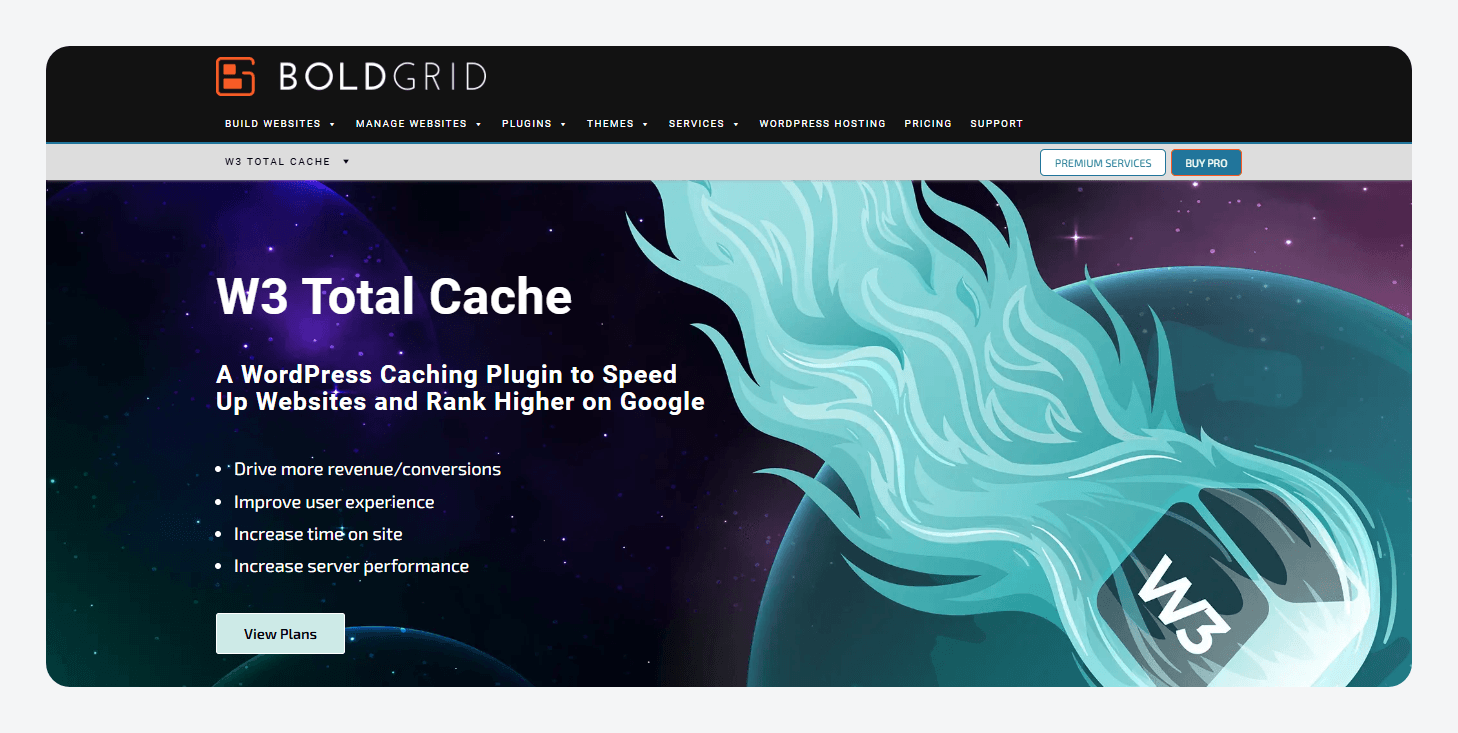
| W3 Total Cache | Provides granular page, object, CDN, and fragment-caching (Pro) controls. | Developers comfortable configuring caching around their store. | Greater flexibility creates more opportunities for unsafe configuration. |
NitroPack
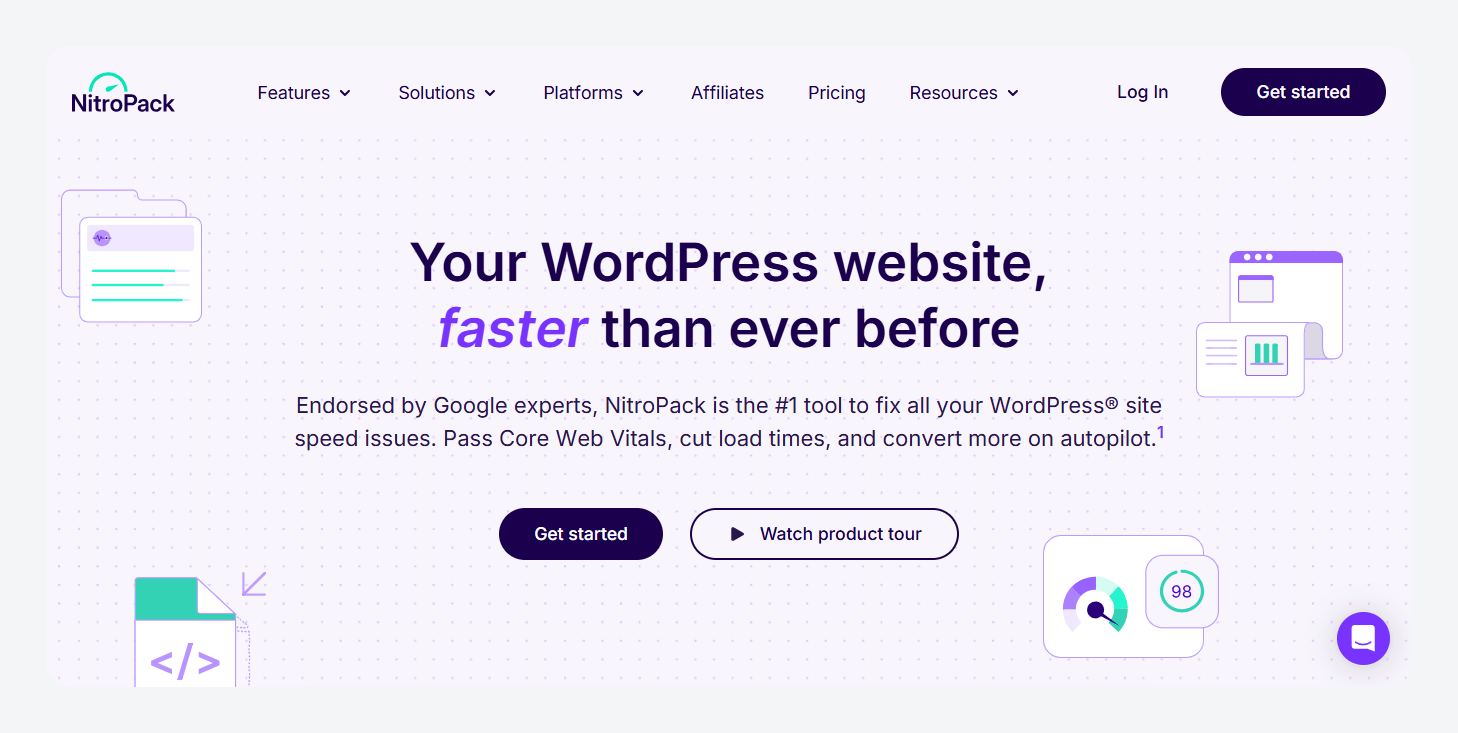
NitroPack is the strongest solution for WooCommerce sites because it combines caching with image optimization, Critical CSS generation, JavaScript optimization and delayed scripts, and a built-in CDN. This can reduce the number of separate performance tools a store needs to configure and maintain.
NitroPack automatically keeps sensitive, customer-specific areas such as Cart, Checkout, and My Account out of the page cache. Its Cart Cache feature goes a step further by continuing to serve cached storefront pages while a shopper has items in their cart, instead of disabling caching for their subsequent browsing.
NitroPack also keeps cached content up to date without unnecessarily rebuilding the entire site cache. Smart Cache Invalidation marks affected cached content as stale and prepares a fresh version in the background, while changes that need to appear immediately can trigger cache purging.
WP Rocket
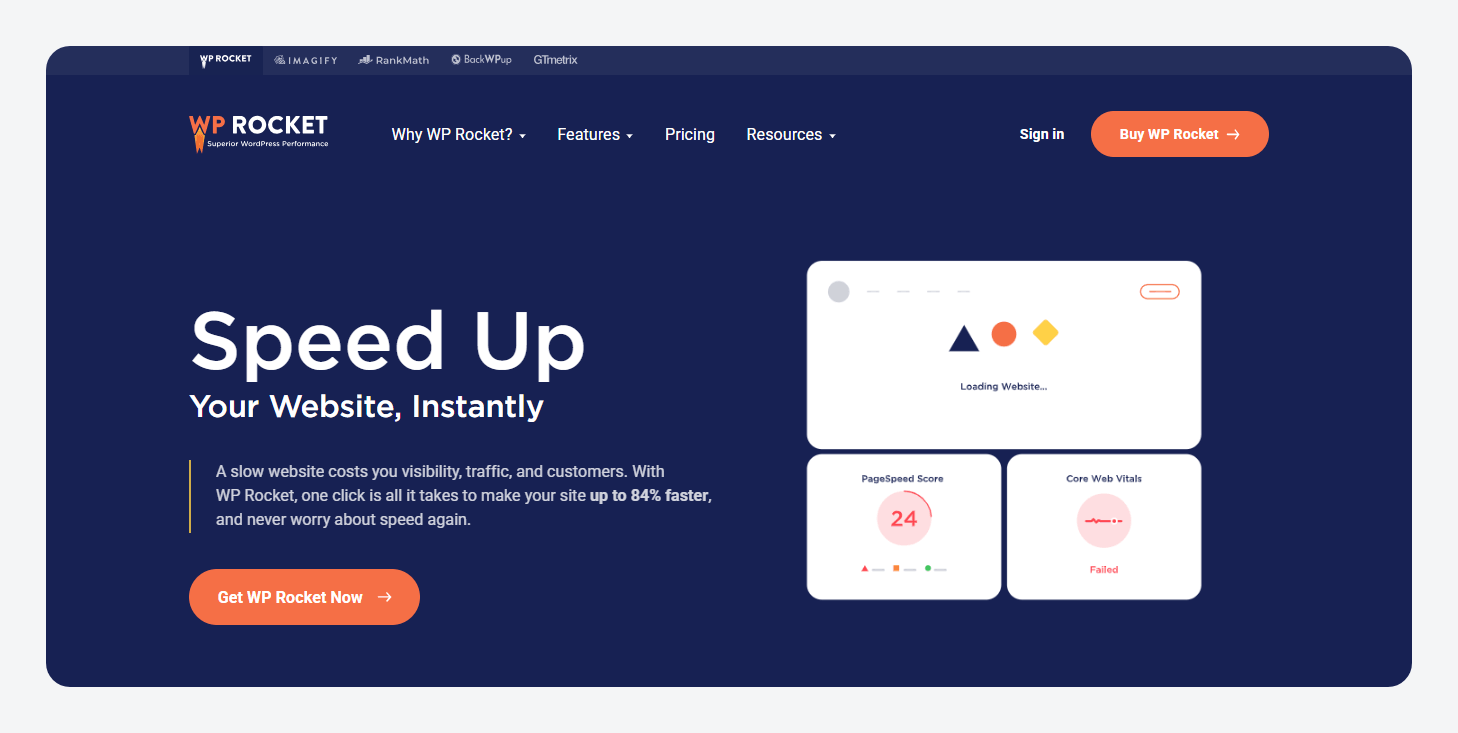
WP Rocket reduces manual WooCommerce configuration by automatically excluding Cart, Checkout, My Account, and WooCommerce REST API requests, but custom storefront behavior can still require additional exclusions.
For example, a theme that renders customer-specific cart information directly into cached HTML may need cookie-based cache bypass rules. Its WooCommerce defaults reduce setup rather than eliminating the need to test custom themes, pricing, memberships, and personalization.
LiteSpeed Cache
LiteSpeed Cache ties its WordPress controls to the underlying LSCache infrastructure, giving compatible WooCommerce stores automatic dynamic-page exclusions and access to ESI while making those advantages dependent on the hosting stack.
ESI can separate private fragments from otherwise cacheable pages, but it requires LiteSpeed Web Server Enterprise, LiteSpeed Web ADC, or QUIC.cloud and is not available directly through OpenLiteSpeed.
Redis and Memcached integration is also available, although the persistent object-cache service itself remains separate from the plugin.
FlyingPress
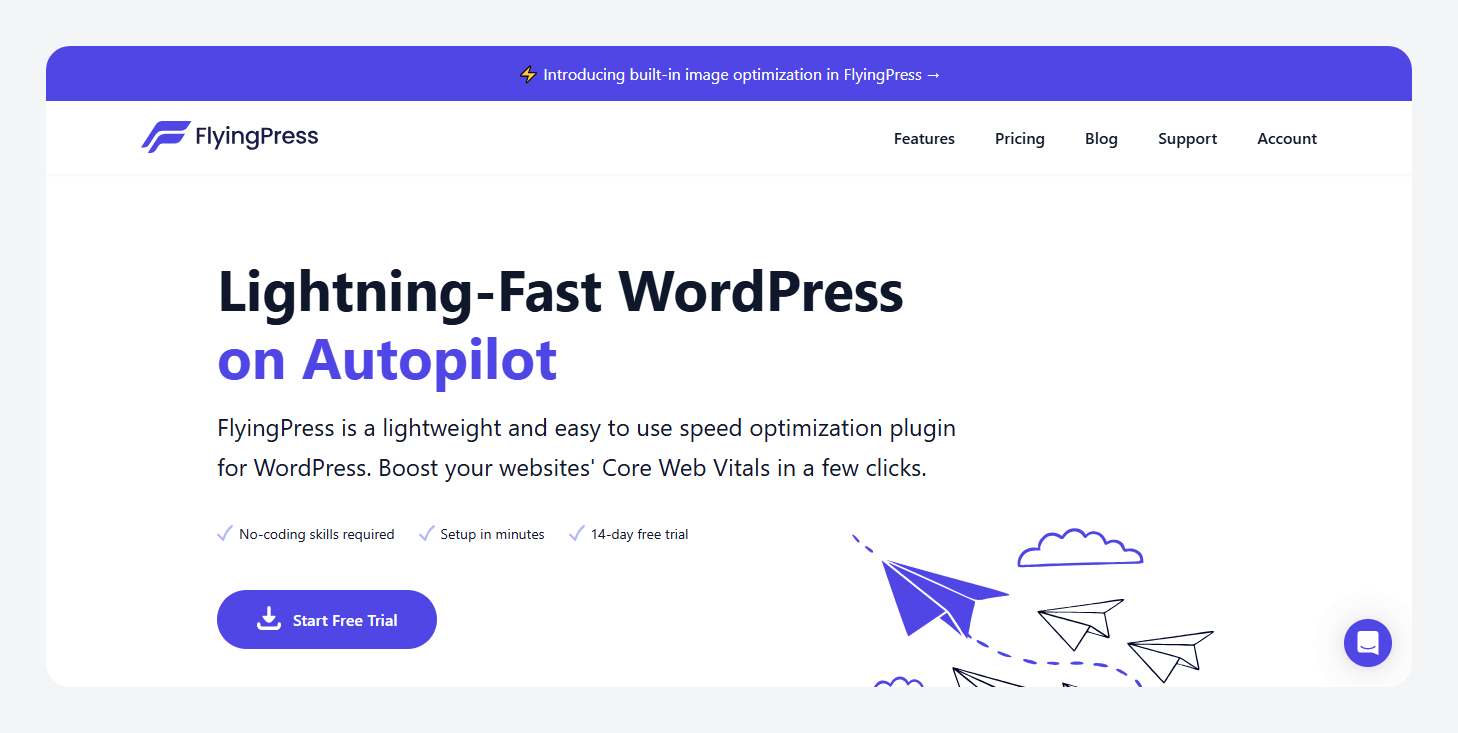
FlyingPress combines automatic WooCommerce page exclusions with cache purging when relevant product data changes, while custom cart behavior and its broader frontend optimizations still need store-specific testing.
Many themes can update cart information separately from cached HTML, but themes that render cart state directly into the page may require cookie-based cache bypass. JavaScript and CSS optimizations can introduce additional checkout compatibility issues, so automatic WooCommerce support should still be validated against the actual theme and payment stack.
W3 Total Cache
W3 Total Cache provides comparatively granular control over page caching, object caching, CDN integration, and dynamic fragments (Pro), but that flexibility places more of the WooCommerce safety configuration on the developer.
Dynamic URLs, customer sessions, and personalized content need to be deliberately excluded or handled correctly, while Redis or Memcached can be configured as persistent object-cache backends where available.
That configurability can suit custom environments, but it also creates more opportunities for an unsafe setup when nobody on the team understands WooCommerce’s dynamic-page and session requirements.
Check what your host already caches before installing another plugin
Before adding a WooCommerce caching plugin, check whether your host already provides full-page or edge caching. Adding another page-cache layer can be redundant, unsupported, or harder to troubleshoot when both systems try to control the same responses.
WP Engine, for example, already applies WooCommerce-specific caching rules at the platform level. When WP Engine detects WooCommerce, it adds exclusions for relevant pages, API requests, query arguments, and cookies.
Stores using WP Engine’s EverCache® for WooCommerce can extend that model further by caching suitable storefront pages while keeping customer-specific pages such as checkout dynamic.
WP Engine also offers NitroPack as an add-on, bringing automated frontend optimization for images, CSS, JavaScript, caching, and content delivery alongside WP Engine’s EverCache® technology.
The key takeaway is to understand what your host already caches before installing another performance layer. Fewer overlapping systems usually means fewer cache rules to coordinate and fewer places for WooCommerce’s dynamic behavior to go wrong.
When does a store need object cache?
A WooCommerce store benefits most from persistent object caching when a meaningful share of its traffic cannot use full-page cache, and WordPress repeatedly needs the same database-backed data to build dynamic responses. That commonly includes:
- Logged-in customer experiences.
- Cart and checkout requests.
- My Account pages.
- Wholesale, membership, or personalized-pricing stores.
- Stores with substantial dynamic traffic.
- Advanced Custom Fields (ACF®)-heavy templates that repeatedly access product metadata, options, taxonomy data, or other structured content.
The distinction from page caching is important. Page cache stores a finished HTML response so WordPress may not need to run at all. Object cache stores reusable data WordPress needs while building a response, such as posts, users, options, taxonomy terms, and metadata.
WordPress already has an object cache, but by default it lasts only for the current request. A persistent object-cache backend such as Redis or Memcached allows suitable cached objects to survive between requests, which can reduce repeated database work on subsequent dynamic requests.
That can also matter for ACF-driven WooCommerce builds because custom-field values are commonly stored as WordPress metadata. When those values are requested through WordPress’s metadata APIs, the underlying object-cache layer can help avoid unnecessary repeated database reads.
However, persistent object caching is not automatically necessary for every WooCommerce store. If most visitors are anonymous and their requests are already served efficiently from full-page cache, Redis may produce a smaller improvement. The strongest case is when profiling shows database queries or repeated data retrieval consuming meaningful time on dynamic, uncached requests.
Supercharge Your Website With Premium Features Using ACF PRO
Speed up your workflow and unlock features to better develop websites using ACF Blocks and Options Pages, with the Flexible Content, Repeater, Clone, Gallery Fields & More.
Can minifying scripts break your checkout?
Yes, JavaScript minification and related script optimizations can break WooCommerce checkout when they change a script, dependency, or execution timing that the buying flow relies on.
Minification itself is not inherently unsafe. WooCommerce generally recommends minifying and optimizing frontend code, but its caching guidance specifically recommends avoiding JavaScript file minification when using WP Rocket.
The practical risk is broader than minification alone. Problems can also come from:
- Combining JavaScript files.
- Deferring scripts that need to run earlier.
- Delaying JavaScript until user interaction.
- Changing dependency or execution order.
When those optimizations conflict with WooCommerce, a store may see add-to-cart actions stop updating, stale mini-cart contents, broken checkout validation, payment or shipping interfaces that fail to initialize, or buttons that no longer respond.
A setting can work perfectly on product and category pages while still breaking Checkout, so test every meaningful JavaScript change as both a guest and logged-in customer. Add products, change cart quantities, apply coupons where relevant, and complete the checkout flow through payment-method initialization and order submission.
If a particular script causes problems, exclude that WooCommerce, theme, or payment script from the affected optimization rather than disabling all frontend optimization. The goal is to optimize aggressively only where the store’s actual behavior proves it is safe.
How to test WooCommerce caching without breaking checkout
Test WooCommerce caching against real shopping behavior, not just PageSpeed scores or a faster product-page Time to First Byte (TTFB). A storefront can look fast while still serving stale cart state or breaking a customer-specific request.
Ideally, validate changes in staging first, then test the same paths after deployment. WooCommerce requires Cart, Checkout, and My Account to remain dynamic, so those flows deserve particular attention.
Test at least the following:
- Browse as an anonymous shopper with an empty cart.
- Add products, then move between cached product and category pages.
- Confirm cart counters and mini-carts update correctly.
- Change quantities, remove products, and apply coupons.
- Complete checkout through payment-method initialization and a test order.
- Log in and verify My Account, order history, and logout behavior.
- Test variable products, stock changes, personalized pricing, and other store-specific features.
- Update a product and confirm affected cached pages are invalidated.
- Retest after enabling JavaScript delay, defer, minification, or similar optimizations.
Also inspect your caching layer’s HIT/MISS or equivalent response indicators where available. A cache plugin being active does not prove that WooCommerce exclusions are behaving correctly.
Test both cache hits and misses. Some problems only appear after a response has been cached, while others appear when WordPress has to rebuild it. WooCommerce itself highlights this distinction in current caching work because cache behavior and invalidation can change how otherwise identical requests behave.
The safest setup is the one that remains correct across the complete purchase journey, not simply the one producing the fastest anonymous product page.
Keep cached WooCommerce product data fresh with ACF
The safest WooCommerce caching setup is not the one that caches the most. It is the one that aggressively caches reusable storefront content while keeping carts, checkout, accounts, and other customer-specific behavior dynamic. Once those boundaries are correct, the next performance question is what happens when WordPress actually has to build a page.
ACF gives developers a structured way to model product specifications, merchandising content, relationships, technical details, and other custom WooCommerce data while providing tools that can help larger implementations remain manageable:
- Local JSON can load field groups and other ACF configuration from JSON, reducing database calls required to load those settings.
- Repeater pagination reduces how many rows are rendered at once in the WordPress admin for very large Repeater fields, improving the editing experience without changing frontend template output.
- acf/save_post gives developers a reliable point to trigger custom cache invalidation after ACF data is saved, useful when one product update affects archives, comparison pages, or shared components.
- Custom storage strategies are possible through ACF hooks such as acf/load_value and acf/update_value when profiling shows that the default wp_postmeta model has become a bottleneck at scale.
ACF PRO content modeling toolkit includes Repeater, Flexible Content, Clone, Gallery, and Options Pages, giving WooCommerce developers more tools for building richer product-data models without turning the underlying content architecture into a collection of one-off fields and templates.
Build a more structured, maintainable WooCommerce data layer with ACF.


For plugin support, please contact our support team directly, as comments aren't actively monitored.